Quick Answer
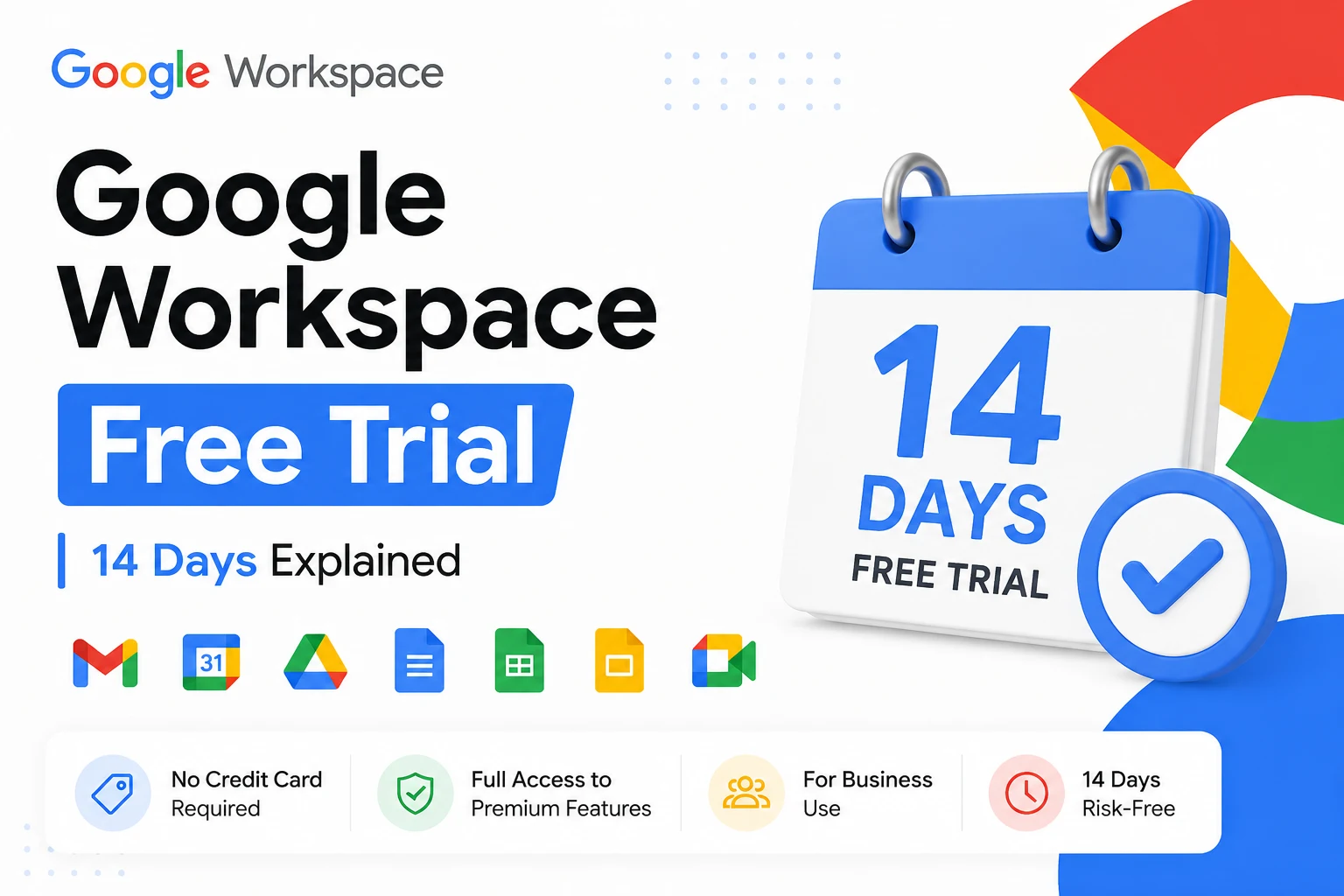
The Google Workspace free trial lasts 14 days and supports up to 10 users. You get the full paid product, custom-domain email, Drive, Meet, Chat, and Gemini AI, on whichever plan you choose to trial. A payment method is usually required at signup, but you aren’t charged during the trial. If you don’t cancel before day 14, your account automatically converts to a paid subscription.
What Is the Google Workspace Free Trial?
The Google Workspace free trial is a 14-day, no-cost evaluation of the paid Workspace product. It’s not a stripped-down demo. You get a real, working account, custom-domain email, the Admin Console, and the full collaboration suite, on whichever plan you choose to test.
This is different from a free personal Google account. A regular @gmail.com address is free forever but has no custom domain, no admin controls, and no pooled business storage. The trial gives you the paid product itself, temporarily free.
How Long Is the Google Workspace Free Trial?
The trial lasts 14 days from the day you start it. Google previously offered a 30-day trial, but the current standard trial across Business Starter and Standard is 14 days.
Can you extend it?
Google generally doesn’t extend the standard 14-day trial. If more evaluation time is genuinely needed, some authorized Google partners run their own extended trial programs, often 30 days, through a separate application process rather than Google’s standard signup flow, sometimes without requiring a credit card upfront. Terms and eligibility vary by partner, so confirm the specifics before applying.
Do You Need a Credit Card for the Trial?
In most cases, yes. Google typically asks for a payment method to activate the trial, but you are not charged during the 14 days. That billing information is what allows the account to convert automatically to a paid subscription if you don’t cancel in time.
If you’d rather not risk an automatic charge, set a reminder for a day or two before the trial ends so you have time to cancel if needed.
What’s Included in the Free Trial
You get the complete feature set of whichever plan you choose to trial, not a separate limited tier. That means custom-domain Gmail, Google Drive, Docs, Sheets, Slides, Google Meet, Chat, Calendar, and Gemini AI, all included in the trial the same way they’re included once you’re a paying customer. The plan you select determines your storage, Meet participant limits, and whether Google Vault is available, exactly as it would on a paid subscription.
| Plan | Storage per user | Meet participants | Vault |
|---|---|---|---|
| Business Starter | 30 GB pooled | 100 | No |
| Business Standard | 2 TB pooled | 150 | Yes |
| Business Plus | 5 TB pooled | 500 | Yes |
How to Sign Up for the Free Trial
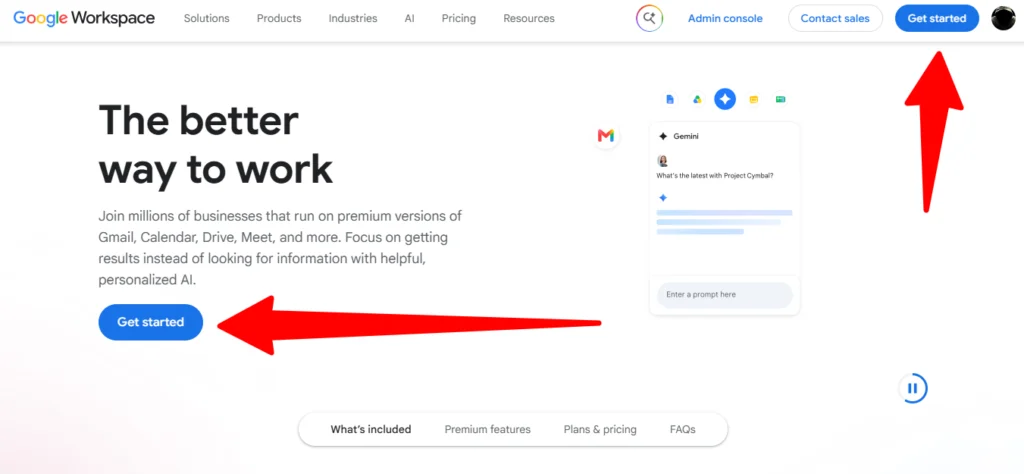
- Go to the Google Workspace signup page and choose to start a trial.
- Enter your business name and team size, up to 10 users on the trial.
- Connect a domain you already own, or purchase a new one during signup.
- Verify domain ownership using the TXT record Google provides in your registrar’s DNS settings.
- Create your admin account and password.
- Choose the plan you want to trial and enter billing details.
- Add your team members and start using the account.
Using your own domain
Connecting a domain you already own doesn’t immediately switch your live email over to Google. You verify ownership first, and your existing email continues working until you deliberately update your MX records. That gap makes it possible to trial Workspace without disrupting the email you’re already using.
How to Cancel the Google Workspace Free Trial
Cancellation happens in the Google Admin Console, not through Gmail. Sign in as the admin, go to the billing section, and cancel the subscription before the 14-day trial ends. If you cancel in time, the account is suspended and eventually deleted, and you’re never charged.
What happens if you don’t cancel
If you added billing details and don’t cancel, the account automatically converts to the paid plan you selected once the trial ends, and billing begins from that point.
Free Trial vs. Google Workspace Essentials Starter
These solve different problems. The 14-day trial is a temporary evaluation of a paid plan that eventually requires payment or cancellation. Google Workspace Essentials Starter is a separate, permanently free plan with no trial period, no credit card, and no expiry date at all.
The trade-off is that Essentials Starter doesn’t include Gmail or Gemini AI, so if a custom business email address is the goal, the trial (leading into a paid plan) is the relevant path, not Essentials Starter.
Google Workspace Individual
Google Workspace Individual is a separate product from the business trial covered here. It’s a personal subscription, currently around $9.99/month, aimed at individual professionals rather than teams, and it doesn’t include a custom domain email address or admin console. If the goal is running a team on a shared, professionally managed domain, the standard Business trial, not Workspace Individual, is the right starting point.
Squarespace’s Google Workspace Offer
Squarespace offers a free first year of Google Workspace Business Starter, but only to customers on its higher-tier website plans who meet Squarespace’s eligibility requirements, not as a standard 14-day trial. Billing in that case runs through Squarespace rather than Google directly, and it only applies to brand-new Workspace accounts, not existing ones. This is a distinct offer from Google’s own trial and worth confirming directly with Squarespace if that’s the path being considered.
Common Mistakes to Avoid
- Forgetting to cancel before day 14 and getting billed automatically for a plan that wasn’t a fit.
- Assuming the trial is a limited demo. It’s the full paid plan, so testing decisions made during the trial carry real weight.
- Confusing the trial with Essentials Starter, which is a separate, permanently free product without Gmail.
- Not checking domain verification requirements early, since that step tends to cause the most delays during signup.
The Bottom Line
The Google Workspace free trial gives you 14 days of the full paid product for up to 10 users, with a payment method usually required but no charge unless you don’t cancel in time. If a longer evaluation window matters, some authorized partners offer extended trials on different terms. If permanently free tools without Gmail are the goal, Essentials Starter is worth considering instead of the trial. Once ready to commit, compare official pricing against reseller pricing on the identical plan before your first invoice arrives.
FAQ
How long is the Google Workspace free trial?
The standard trial lasts 14 days and supports up to 10 users, giving access to the full paid plan you choose to test.
Do I need a credit card for the Google Workspace free trial?
In most cases, yes, though you are not charged during the 14-day trial itself. Billing begins only if you don’t cancel before it ends.
How do I cancel the Google Workspace free trial?
Cancellation is done through the Google Admin Console’s billing section, before the 14-day trial ends, to avoid being converted to a paid subscription.
Can I get a Google Workspace free trial without a credit card?
Google’s standard signup typically requires billing details. Some authorized partners run extended trial programs with different requirements, sometimes without an upfront card.
Is there a 30-day Google Workspace free trial?
Google’s standard trial is 14 days. A 30-day trial was previously offered but is no longer the default; some partners offer extended evaluation periods separately.
What happens when my Google Workspace free trial is ending?
If billing details were provided and the account isn’t cancelled, it automatically converts to the paid plan selected at signup once the 14 days are up.
Is Google Workspace Essentials Starter the same as the free trial?
No. Essentials Starter is a separate, permanently free plan with no trial period and no Gmail, while the trial is a temporary, full-featured test of a paid plan.