Quick Answer
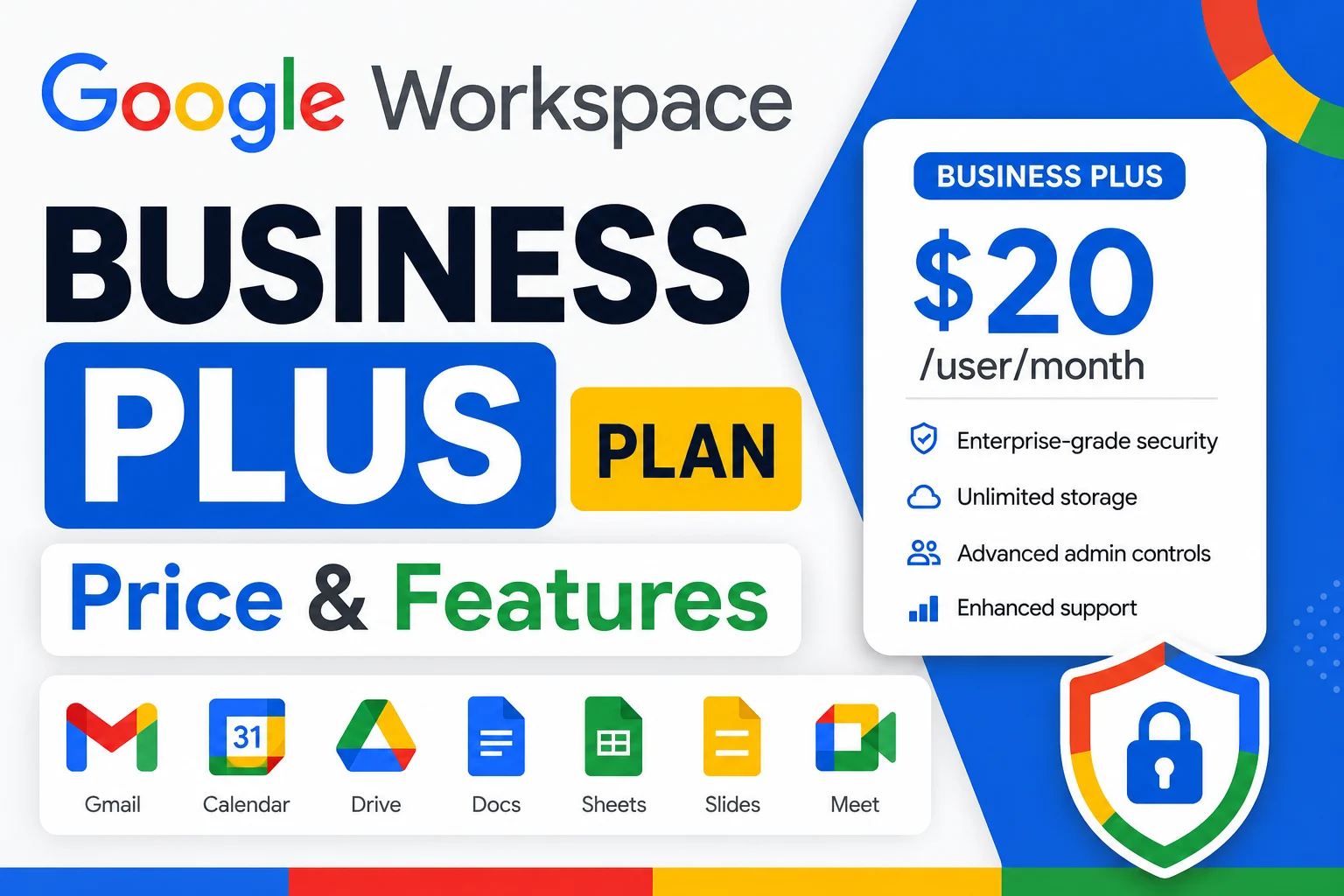
Google Workspace Business Plus is the top tier in Google’s Business lineup, priced at $28 per user per month on annual billing ($26.40 flexible). It includes 5 TB of pooled storage per user, Google Meet for up to 500 participants with recording and attendance tracking, Google Vault for retention and eDiscovery, and advanced endpoint management. It sits above Business Standard and below the custom-priced Enterprise tier, and it’s the practical starting point for regulated industries needing audit-ready records. Through an authorized reseller, the same plan runs $20 per user per month.
What Is Google Workspace Business Plus?
Business Plus is the highest of Google’s three Business-tier plans, sitting above Business Starter and Business Standard, and below the custom-priced Enterprise tier. It bundles everything in the lower plans- custom Gmail, Docs, Sheets, Slides, Drive, Meet, and Calendar- then adds the storage, security, and compliance features that growing or regulated small businesses tend to need.
Think of it as the tier built for teams that have outgrown basic email and documents. The core apps stay familiar, but the storage ceiling rises, admin controls get stronger, and tools for retaining and searching company data long after an email is sent become available.
What’s Included in Business Plus
Storage
Business Plus includes 5 TB of pooled storage per user, shared across the organization. Because storage is pooled, heavy users can draw from lighter users’ unused allocation, which matters most for teams working with large video files, design assets, or years of accumulated email and attachments.
Meet and meeting features
Google Meet on Business Plus supports up to 500 participants, with recording saved to Drive, attendance tracking, breakout rooms, polls, Q&A, hand raising, and noise cancellation. Attendance tracking in particular is useful for training sessions, webinars, and formal client meetings where a record of who attended matters.
Vault and security
Google Vault is included with Business Plus and is the feature that most often justifies the upgrade over Standard. Vault lets admins set retention rules, place legal holds, and search across the organization’s Gmail, Drive, and Chat data. Business Plus also adds advanced endpoint management, letting admins enforce device policies and remotely wipe lost devices, as well as stronger group-based admin controls than the lower tiers offer.
Business Plus Pricing
| Official price | Reseller price | Monthly saving | Yearly saving | |
|---|---|---|---|---|
| Business Plus | $22/user/mo | $20/user/mo | $2/user | $24/user |
For a 15-person team, the difference between official and reseller pricing works out to $30 per month, or $360 per year, back in the budget on the identical Google product. Google Workspace Resellers offers Business Plus at the reseller rate above, with setup and support included.
Business Plus vs. Business Standard
| Feature | Business Standard | Business Plus |
|---|---|---|
| Price (annual) | $14/user/mo | $22/user/mo |
| Pooled storage | 2 TB | 5 TB |
| Meet participants | 150 | 500 |
| Attendance tracking | No | Yes |
| Google Vault | No | Yes |
| Advanced endpoint management | No | Yes |
The jump from Standard to Plus buys three things specifically: more storage, Google Vault, and advanced security and endpoint controls. If none of those three matter to your team, Standard remains the better value. The extra cost pays for itself the first time a team actually needs Vault for a compliance request or legal hold, or genuinely runs into the 2 TB storage ceiling.
Who should choose Business Plus
Regulated businesses such as healthcare practices, law firms, and financial services tend to land on Business Plus, along with any team that has grown past a handful of people and started thinking seriously about compliance and data retention. Teams that just need professional email, shared documents, and video calls are usually better served, and cheaper, on Business Standard.
Business Plus vs. Enterprise
Business Plus covers most small and mid-sized business needs, but it stops short of some enterprise-grade controls. Enterprise adds advanced data loss prevention (DLP), Secure LDAP, Security Center, data region selection, and S/MIME encryption, none of which are available on Business Plus. Enterprise also removes the 300-user cap entirely and moves to custom, contract-based pricing rather than a flat per-user rate.
Is Business Plus Right for HIPAA and Compliance?
Business Plus is the practical starting point for HIPAA-adjacent setups, since it includes Vault and the advanced security controls most regulated teams need for audit-ready records. That said, signing Google’s Business Associate Agreement (BAA) and configuring the account correctly are still required steps beyond simply subscribing to Plus; the plan alone doesn’t guarantee compliance. Business Standard can technically sign a BAA as well, but it lacks the retention and governance tools that make Plus the more realistic floor for most regulated organizations.
How to Change Your Google Workspace Plan
Upgrading to Business Plus
Upgrading is handled entirely through the Google Admin Console. An admin signs in, opens the Billing section, and switches the subscription to Business Plus. Existing data, email, and settings carry over with no downtime, since it’s the same underlying account moving to a different edition rather than a fresh signup.
Downgrading from Business Plus
Downgrading works the same way in reverse, but it’s worth planning for what’s lost. Moving from Business Plus down to Standard or Starter removes Google Vault access, meaning retained data and legal holds tied to Vault may no longer be accessible, and the storage ceiling drops from 5 TB to whatever the lower tier provides. Confirm nothing critical depends on Vault before downgrading, and be sure the team’s actual storage usage fits comfortably under the lower tier’s limit first.
Google Meet on Business Plus
Meet on Business Plus is meaningfully more capable than on the lower tiers: the 500-participant cap suits larger all-hands meetings and webinars that Starter’s 100-participant or Standard’s 150-participant limits can’t accommodate, and attendance tracking adds a layer of accountability useful for training and formal client sessions that the other tiers don’t offer.
Common Mistakes to Avoid
- Paying for Plus when Standard would cover it. If Vault, 500-person meetings, and 5 TB storage aren’t real needs, the extra cost may not be justified.
- Assuming Plus alone guarantees HIPAA compliance. A signed BAA and correct configuration are still required beyond the plan itself.
- Downgrading without checking Vault dependencies. Retained data and legal holds can become inaccessible after moving off Plus.
- Not comparing reseller pricing before committing to the official rate.
- Assuming Plus removes the 300-user cap. It doesn’t; that requires moving to Enterprise.
The Bottom Line
Business Plus is Google Workspace’s top Business-tier plan at $22 per user per month officially, or $20 per user per month through a reseller. It’s built for teams that need serious storage, Google Vault for compliance and retention, and larger, more accountable meetings, features that go well beyond what Business Standard offers. For teams without those specific needs, Standard remains the better value; for regulated industries and storage-heavy teams, Plus is usually where the upgrade pays for itself.
FAQ
What is Google Workspace Business Plus?
Business Plus is Google Workspace’s top Business-tier plan, priced at $22 per user per month annually, including 5 TB of pooled storage, Google Vault, and Meet for up to 500 participants with attendance tracking.
What is Google Workspace Business Standard?
Business Standard is the mid-tier plan at $14 per user per month, with 2 TB of pooled storage, meeting recording, and full Gemini AI access, but without Google Vault or advanced endpoint management.
What is Google Workspace Business Starter?
Business Starter is the entry-level plan at $7 per user per month, with 30 GB of pooled storage and Gemini limited to Gmail and the standalone app.
What’s included in Google Workspace Business Plus?
Custom domain Gmail, 5 TB of pooled storage per user, Meet for up to 500 participants with recording and attendance tracking, shared drives, Google Vault, advanced endpoint management, and full Gemini AI access.
Is there a promo code for Business Plus?
Google occasionally runs promotional pricing, but comparing official pricing to an authorized reseller’s rate typically yields larger, more consistent savings than a promo code.
How do I downgrade from Business Plus to Business Starter?
Downgrading is done through the Admin Console’s Billing section. Data carries over, but Vault access and the 5 TB storage ceiling are lost, so confirm nothing critical depends on either before switching.
How much does Business Plus cost in Pakistan?
Base USD pricing is consistent, but local currency and tax handling should be confirmed directly with Google or an authorized reseller serving Pakistan rather than assumed from a straight conversion.