Quick Answer
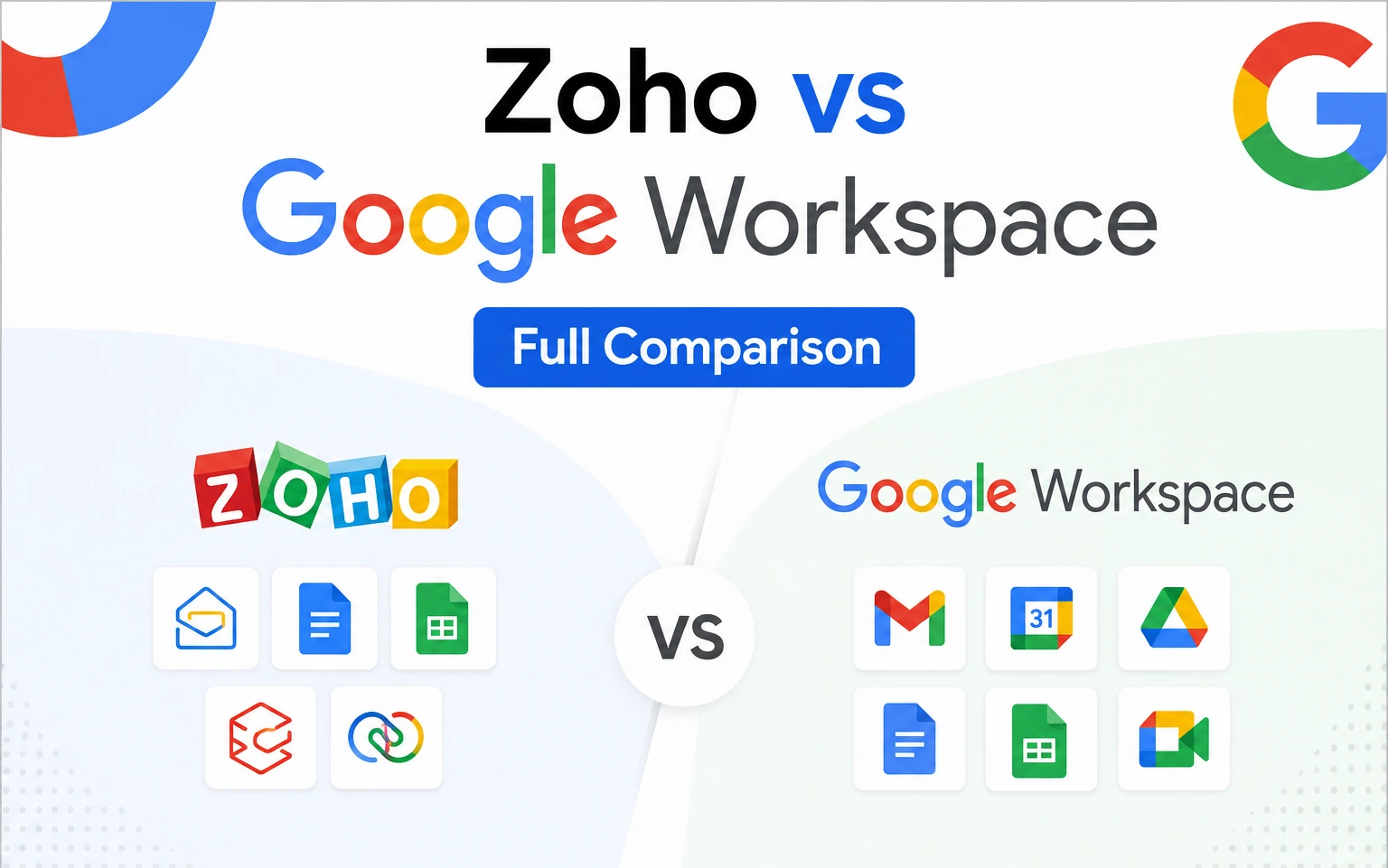
Zoho Workplace is dramatically cheaper on paper, starting at $3 per user per month for its Standard plan versus Google Workspace’s $7 per user per month official rate for Business Starter. But that gap narrows or disappears once reseller pricing enters the picture: Google Workspace Business Starter through an authorized reseller also runs $3 per user per month, the same price as Zoho’s entry tier, with considerably more storage, deeper AI, and a more polished collaboration experience. Zoho wins on native business-app integration (CRM, Projects, Desk) and flexible self-hosting. Google Workspace wins on real-time collaboration, AI depth, third-party integrations, and familiarity.
What Is Zoho Workplace?
Zoho Workplace is a productivity suite from Zoho Corporation, an independent, India-headquartered software company, not affiliated with Google in any way. It bundles Zoho Mail, Zoho Writer (documents), Zoho Sheet (spreadsheets), Zoho Show (presentations), Zoho WorkDrive (storage), and Zoho Cliq (team chat), with tight native integration into Zoho’s broader business app ecosystem, including its CRM and project management tools.
What Is Google Workspace?
Google Workspace is Google’s business suite, bundling Gmail, Docs, Sheets, Slides, Drive, Meet, and Chat under a custom domain, with real-time collaborative editing as its defining strength and Gemini AI built into the core apps.
Zoho Workplace vs Google Workspace: Pricing
| Plan | Zoho Workplace | Google Workspace (official) | Google Workspace (reseller) |
|---|---|---|---|
| Entry tier | Standard: $3/user/mo | Business Starter: $7/user/mo | $3/user/mo |
| Mid tier | Professional: $6/user/mo | Business Standard: $14/user/mo | $13/user/mo |
| Storage (entry) | 30 GB mail + 100 GB team WorkDrive | 30 GB pooled per user | 30 GB pooled per user |
| Storage (mid) | 100 GB mail + 1 TB team WorkDrive | 2 TB pooled per user | 2 TB pooled per user |
At official pricing, Zoho is meaningfully cheaper at every tier. But once reseller pricing enters the comparison, Google Workspace Business Starter matches Zoho Standard exactly at $3 per user per month, while still including more pooled storage and full Gemini AI access. For a business already leaning toward Google’s ecosystem, that reseller rate removes most of Zoho’s price advantage at the entry level.
Zoho also offers a Mail Only plan starting around $1 per user per month for organizations that just need business email without the full productivity suite, and a free tier covering up to 5 users with 5 GB storage each, both genuinely useful for the smallest teams or those testing the waters.
Features Compared
Zoho Workplace strengths
Zoho’s biggest advantage is native integration with its own business app ecosystem; CRM, Projects, Desk, and dozens of other Zoho products connect without third-party middleware. Zoho Flow, its no-code automation tool, is genuinely beginner-friendly for building workflows without any coding. Zoho also offers flexible deployment, including self-hosting options that appeal to security-conscious organizations wanting more control over where their data physically lives.
Google Workspace strengths
Google Workspace’s real-time collaborative editing across Docs, Sheets, and Slides remains best-in-class, with multiple people editing the same document simultaneously with essentially no lag or conflict. Google Meet is built in natively for video, and the ecosystem connects to thousands of third-party tools. Gemini AI is woven into the core apps rather than bolted on separately, and most people already have some familiarity with Gmail and Docs from personal use, which shortens onboarding meaningfully.
Automation: Zoho Flow vs Google Apps Script
This is a real, practical difference worth understanding before choosing. Zoho Flow is a no-code tool: connect apps, set triggers (a new email arrives, a CRM record updates), and build a workflow without writing any code, genuinely accessible to non-technical staff.
Google Workspace’s automation runs mostly through Apps Script, which is powerful but requires comfort with code, or through Workspace Studio and third-party tools like Zapier for a more visual approach, which typically means either a subscription cost or setup time from someone technical. If having non-technical staff build their own automations matters, Zoho has a real edge here. If deeper, more flexible automation across a wider tool ecosystem matters more than ease of setup, Google’s approach opens more doors.
Security and Compliance
Both platforms take security seriously and hold real compliance certifications. Zoho offers data residency options, letting organizations choose where their data physically lives, useful for regional compliance requirements, along with two-factor authentication and ISO 27001 and GDPR compliance. Google Workspace adds AI-driven threat detection through its Security Center, along with HIPAA, SOC 2, and broader compliance coverage, plus Vault for data retention and eDiscovery on higher tiers.
For organizations with strict data residency or self-hosting requirements, Zoho’s flexibility is a genuine advantage. For organizations prioritizing proactive, AI-driven threat detection and the widest compliance certification coverage, Google Workspace generally has the edge.
Can You Mix Plans for Different Users?
Zoho explicitly supports this natively: different employees can be on different Zoho Mail or Workplace tiers within the same organization, available on annual billing, with no sales conversation required. Google Workspace can also combine different editions for different users, but only through a Google sales representative or an authorized reseller, not through standard self-serve signup. If native, self-service plan mixing matters, Zoho’s approach is more immediately accessible.
Zoho vs Google Workspace vs Microsoft 365
Adding Microsoft 365 to the comparison mostly shifts the conversation toward desktop app access and enterprise scale. Microsoft 365 includes desktop versions of Word, Excel, and PowerPoint that neither Zoho nor Google Workspace offers natively, and its enterprise tiers (E3, E5) go well beyond typical small business needs and pricing. Zoho remains the clear budget option of the three; Google Workspace and Microsoft 365 compete more directly with each other on price and collaboration depth, with the real difference coming down to ecosystem familiarity and desktop app requirements.
“G Suite” and “Gmail” vs Google Workspace: Clearing Up the Confusion
A meaningful share of searches around this topic actually reflect confusion about Google’s own naming, not a genuine Zoho comparison. G Suite was Google’s business suite’s name before a 2020 rebrand to Google Workspace, so any reference to “G Suite” today refers to the same product now called Google Workspace, just under its old name. Separately, Gmail on its own, the free @gmail.com product, is not the same as Google Workspace; Gmail is the free personal email service, while Google Workspace is the paid business suite that includes a custom-domain version of Gmail alongside the rest of the productivity apps.
Migrating Between Zoho and Google Workspace
Moving in either direction is possible but requires planning, since the two platforms don’t map cleanly onto each other. Migrating from Zoho to Google Workspace typically involves exporting mail via IMAP and moving documents and files separately, since Zoho’s WorkDrive structure doesn’t translate directly into Google Drive’s folder and sharing model. The reverse move, from Google Workspace to Zoho, faces the same kind of structural mismatch. Neither move is a simple one-click process, and budgeting time for testing and user retraining matters more than the technical migration steps themselves.
Which Should You Choose?
Choose Zoho Workplace if budget is the top priority, your business already runs on other Zoho products like CRM or Desk, you want native no-code automation without technical staff, or data residency and self-hosting flexibility genuinely matter to your organization.
Choose Google Workspace if real-time collaboration and document co-editing are central to how your team works, you want Gemini AI built into your daily apps, broad third-party integration matters, or your team already has strong familiarity with Gmail and Docs from personal use. Reseller pricing is worth checking specifically before assuming Zoho is automatically the cheaper choice, since at the entry tier, the two can land at the same price.
Common Mistakes to Avoid
- Comparing only official Google pricing against Zoho. Reseller pricing changes the math significantly at the entry tier.
- Assuming Zoho is owned by or affiliated with Google. It’s an entirely independent company and a genuine competitor.
- Confusing “G Suite” with a different, older product. It’s simply Google Workspace’s name before the 2020 rebrand.
- Assuming free Gmail and Google Workspace are the same thing. Gmail alone lacks the custom domain and business features Workspace provides.
- Underestimating migration effort in either direction. Neither platform maps cleanly onto the other’s storage and mail structure.
The Bottom Line
Zoho Workplace is the lower-cost option at official pricing, with genuine strengths in native business-app integration and accessible no-code automation. Google Workspace offers deeper real-time collaboration, more built-in AI, and broader third-party integration, and its reseller pricing closes much of the cost gap with Zoho at the entry tier. The right choice depends less on price alone and more on which ecosystem your team already leans toward and how much you value native automation versus collaboration depth.
FAQ
Is Zoho cheaper than Google Workspace?
At official pricing, yes, Zoho Standard starts at $3/user/month versus Google’s $7. Through an authorized reseller, Google Workspace Business Starter matches that same $3/user/month rate.
Is Zoho owned by Google?
No, Zoho is an independent, India-headquartered company with no ownership or partnership ties to Google.
What’s the difference between G Suite and Gmail?
G Suite was Google’s business suite’s name before its 2020 rebrand to Google Workspace. Gmail alone is the free personal email service, not the paid business suite.
Which is better for a small business, Zoho or Google Workspace?
It depends on priorities. Zoho suits budget-focused teams already using other Zoho apps. Google Workspace suits teams prioritizing real-time collaboration, built-in AI, and broad third-party integration.
Can I mix different plans for different users on Zoho or Google Workspace?
Zoho supports this natively on annual billing with no sales call required. Google Workspace can combine editions too, but only through a Google sales representative or an authorized reseller.
How does Zoho compare to Google Workspace and Microsoft 365?
Zoho remains the budget option of the three. Google Workspace and Microsoft 365 compete more directly on price and collaboration depth, with Microsoft offering native desktop Office apps that neither Zoho nor Google Workspace provides.
Can I migrate from Zoho to Google Workspace?
Yes, though it’s not a one-click process. Mail typically migrates via IMAP, while documents and files need to be moved separately since the two platforms structure storage differently.