Quick Answer
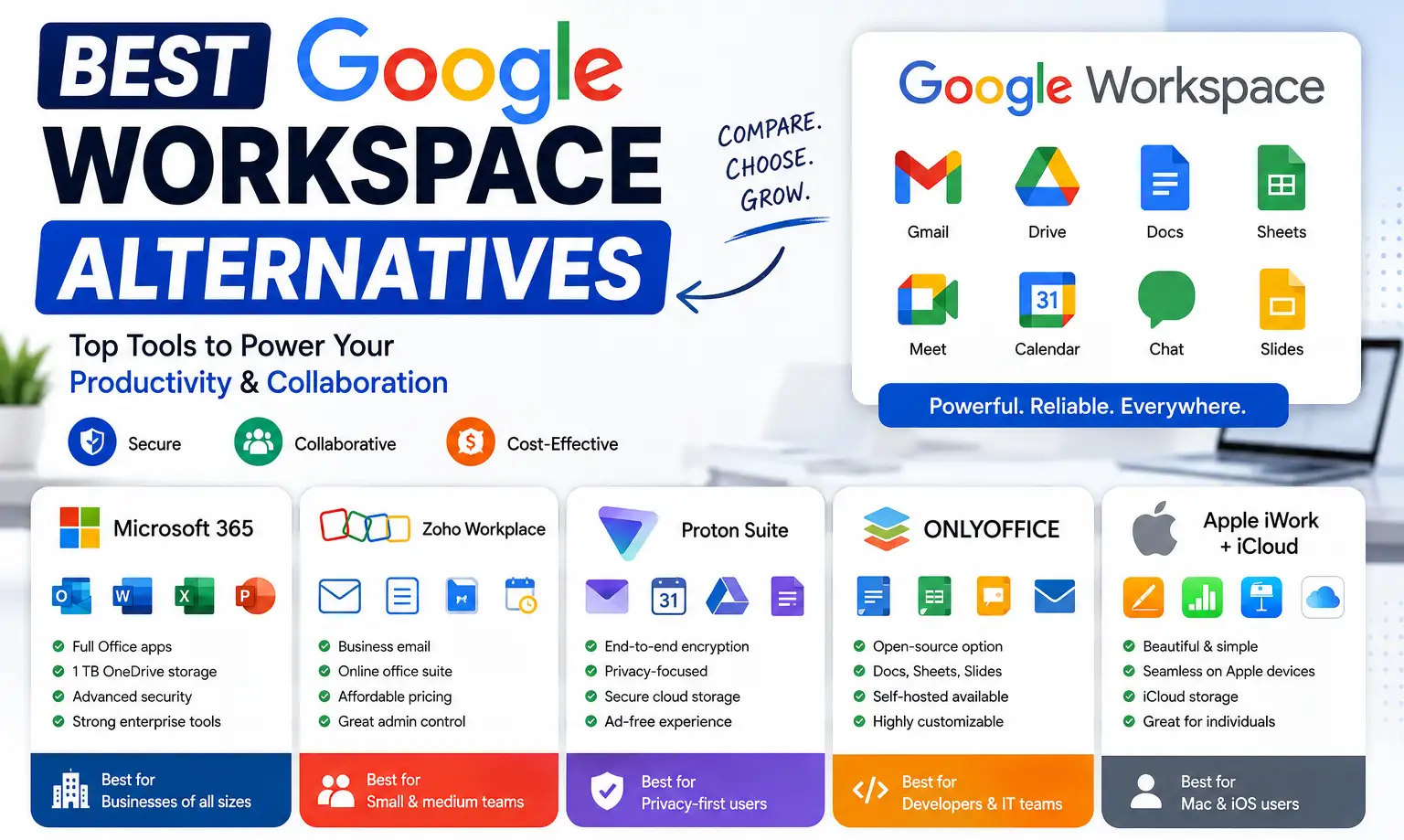
The strongest Google Workspace alternatives depend on why you’re switching. Microsoft 365 is the closest full-featured alternative for teams needing deep Office compatibility. Zoho Workplace is the cheapest complete paid suite at around $3 per user per month. Proton Business and Nextcloud fit privacy-focused or self-hosted needs specifically. Lark offers a genuinely generous free tier. None of these are simply “better”; each trades off differently against what Google Workspace actually does well.
Google Workspace alternatives get searched for a wide range of reasons, and the right answer depends heavily on which one is actually driving the search. Someone leaving purely over cost has a different best option than someone leaving over data privacy concerns, offline reliability, or wanting deeper Excel-level spreadsheet features Google Sheets doesn’t match. This guide covers the strongest alternatives across those different reasons, what each one actually costs based on current pricing, and the honest trade-offs involved in switching away from Google Workspace rather than just staying put.
Why People Actually Look for Alternatives
Four reasons come up consistently when people search for a Google Workspace alternative: cost, data privacy, offline reliability, and feature depth for advanced document or spreadsheet work. Knowing which one is actually yours matters, since the alternatives below solve these differently, and picking based on brand recognition alone often means solving the wrong problem.
Cost concerns are usually about the ongoing per-user price adding up across a growing team. Privacy concerns typically come from regulated industries or a general discomfort with a company whose core business model runs on data and advertising. Offline reliability matters more for teams working in areas with inconsistent internet access. Feature depth usually means Excel-level spreadsheet modelling or Word-level document formatting that Sheets and Docs don’t fully match.
Microsoft 365: The Closest Full Alternative
Microsoft 365 is the most direct feature-for-feature alternative to Google Workspace, replacing Gmail with Outlook, Docs with Word, Sheets with Excel, Slides with PowerPoint, and Drive with OneDrive, plus Teams for chat and video. Business Standard pricing sits in a similar range to Google Workspace’s mid tier, so cost alone often isn’t the deciding factor between the two; the decision usually comes down to which ecosystem your team, clients, and existing files are already built around.
Microsoft 365’s advantage is depth in Excel and Word specifically, genuinely more advanced than Sheets and Docs for complex spreadsheet modelling or heavily formatted documents. Its tradeoff is a steeper learning curve for teams already fluent in Google’s simpler interface, and a desktop-first design that some users find less streamlined for pure browser-based collaboration than Google’s tools.
Zoho Workplace: The Cheapest Complete Suite
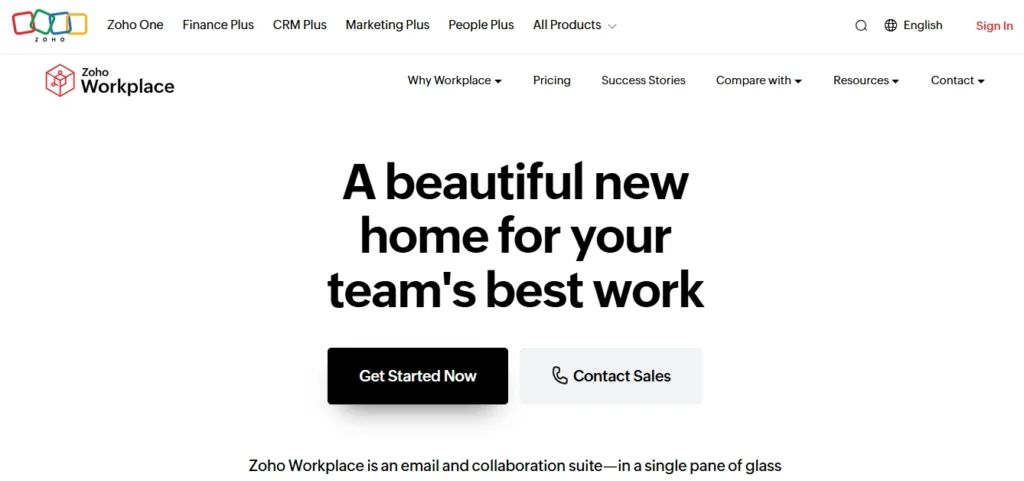
Zoho Workplace is consistently the cheapest full paid alternative, with a Standard tier around $3 per user per month covering business email, documents, spreadsheets, presentations, chat, and meetings as a genuinely complete suite rather than a stripped-down entry tier. A free plan for up to 5 users is also available, and an even lower Mail-Only tier exists for teams that just need business email without the broader suite.
The tradeoffs are real and worth knowing upfront. Zoho’s own office apps are less familiar to most users than Google’s or Microsoft’s, video meeting participant limits on lower tiers are noticeably tighter than Google’s, and Zoho being headquartered in India can trigger data residency questions during enterprise procurement review, worth confirming directly if that matters for your organization.
Proton Business and Nextcloud: Privacy-First Options
For teams where privacy is the actual driver, not just a nice-to-have, Proton Business and Nextcloud solve a structurally different problem than the alternatives above.
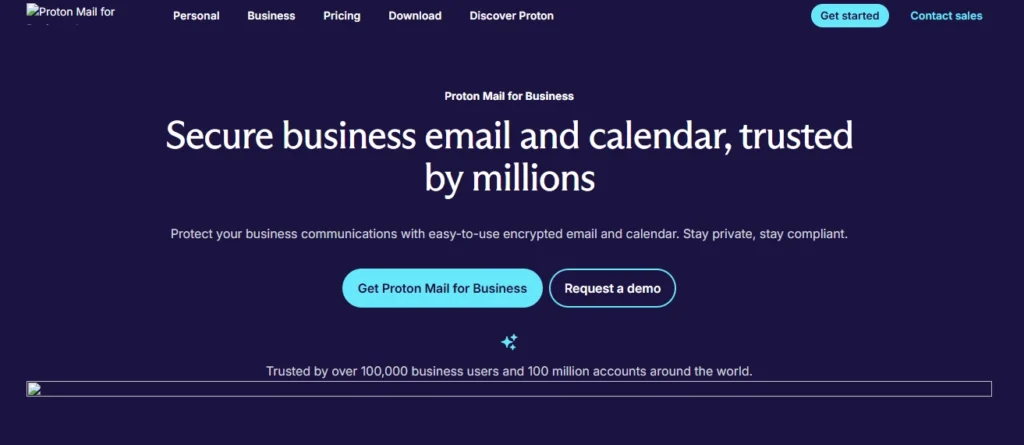
Proton Business, based in Switzerland, offers end-to-end encrypted email, calendar, and drive, meaning even Proton itself can’t read your data. This matters most for healthcare, legal, and financial organizations where data handling requirements go beyond general good practice. The tradeoff is a real one: expect a less polished, less feature-dense experience than Google’s tools, since the product is built around security architecture first.
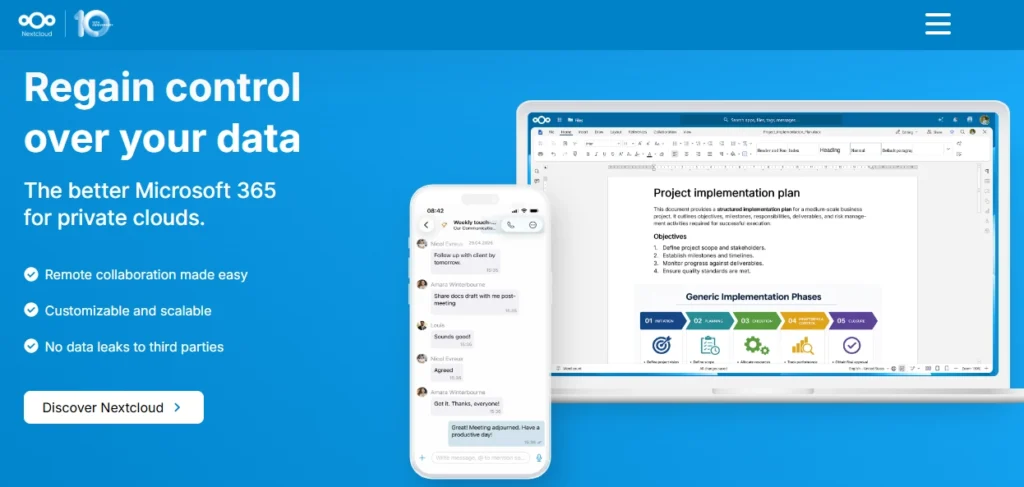
Nextcloud is open source, self-hosted collaboration software, free if you run it on your own infrastructure, or available through managed hosting providers for a fee if you’d rather not manage servers yourself. This gives genuinely complete control over where your data physically lives, at the cost of needing real technical capacity, either in-house or through a hosting partner, to actually run and maintain it.
Lark and Other Free-Tier Options
Lark offers a notably generous free tier, unlimited users and a substantial amount of storage, which stands out in a category where free plans are usually tightly capped. This makes it a reasonable option for early-stage startups not yet ready to commit to a paid suite.
Google’s own Essentials Starter tier is also free but excludes Gmail entirely, useful only if you already have email sorted elsewhere and just need document collaboration and video meetings. Nextcloud and OnlyOffice Community editions are free but require self-hosting, the same tradeoff as Nextcloud’s paid tiers, just without a licensing cost on top of infrastructure.
What Actually Moves When You Switch
Before committing to any alternative, it’s worth understanding what a migration actually involves, since this is where a lot of switching decisions get harder than expected once they’re underway.
Email migration generally involves exporting existing mail from Gmail, either through Google Takeout or a dedicated migration tool, then importing it into the new platform’s format. Most established alternatives, including Microsoft 365 and Zoho Workplace, offer some form of built-in migration assistance for this specific step, though the process still takes real time proportional to mailbox size and history.
File migration from Google Drive is usually more straightforward than email, since most alternatives can import standard file formats directly, though anything built specifically around Google’s collaborative editing features, like a heavily commented Doc with version history, doesn’t transfer perfectly and may need manual cleanup.
Retraining is the part most cost comparisons leave out entirely. A team fluent in Gmail and Docs has real, if often invisible, productivity built on that familiarity. Switching to Outlook and Word, or to Zoho’s less familiar interface, has a genuine adjustment period, not because the new tools are worse, but because any interface change costs time before it pays off.
Considering the Reasons More Closely
Cost-driven searches are usually about per-user pricing compounding across a growing team faster than budget expectations account for. This is the one category where the answer might not require switching platforms at all, since reseller pricing on Google Workspace itself directly addresses this specific driver.
Privacy-driven searches typically come from two different places: a general discomfort with Google’s advertising-based business model, or a specific regulatory requirement- HIPAA, GDPR, or an industry-specific standard- that Google’s own data handling practices don’t clearly satisfy. These are different enough that it’s worth being specific about which one applies to you, since a general privacy preference and a hard compliance requirement point toward different levels of solution.
Offline-driven searches usually come from teams working in environments with inconsistent connectivity, where Google’s browser-first design creates real friction compared to a desktop-first tool like Microsoft 365 with more mature offline modes.
Feature-depth searches are almost always about spreadsheet or document complexity specifically, Excel’s advanced formula and pivot table capabilities, or Word’s more granular formatting and mail merge features, that Sheets and Docs don’t fully replicate even after years of feature additions.
| Alternative | Starting Price | Best For | Key Tradeoff |
|---|---|---|---|
| Microsoft 365 | Similar range to Google Workspace | Teams needing Excel/Word-level depth | Steeper learning curve for Google-native teams |
| Zoho Workplace | ~$3/user/month | Cheapest complete paid suite | Less familiar apps, tighter meeting limits on lower tiers |
| Proton Business | Higher end of the range | Regulated industries needing encryption | Less feature-dense than Google |
| Nextcloud | Free (self-hosted) or managed hosting fee | Full data sovereignty | Requires real technical capacity to run |
| Lark | Free tier, generous limits | Early-stage startups | Less established than Google or Microsoft long term |
If Cost Is Your Only Reason for Leaving
Worth stating plainly: if the only thing pushing you toward an alternative is Google Workspace’s price, switching platforms isn’t the only option. Authorized resellers sell the identical Google Workspace product, same Gmail, Drive, Docs, and Meet, at a lower per-user rate than Google’s own direct price, which can solve a pure cost problem without a migration to a different platform, retraining, or losing familiar tools. This isn’t relevant if your reason for leaving is privacy, offline reliability, or feature depth, none of which a cheaper Workspace subscription addresses, but it’s worth ruling out first if cost is genuinely the only factor.
How to Choose
Start by naming your actual reason for leaving, specifically, not just “Google Workspace is expensive” or “I want something different.” A specific reason points to a specific category of alternative faster than a general feature comparison does.
If it’s cost alone, check reseller pricing before assuming a full platform switch is necessary. If it’s privacy or compliance, Proton or Nextcloud are the only options on this list that structurally solve that problem. If it’s feature depth, Microsoft 365 is the strongest match. If you’re an early startup wanting to delay a real commitment, Lark’s free tier buys time without a decision yet.
Common Mistakes
Switching platforms to solve a cost problem when a cheaper way to buy the same platform exists. This is worth ruling out first, since it avoids migration cost and retraining entirely if cost really is the only issue.
Choosing a privacy-focused tool without confirming it actually meets a specific compliance requirement. “Privacy-focused” marketing language isn’t the same as meeting a specific regulatory standard your organization is actually required to follow; confirm the specific standard directly.
Underestimating migration time and retraining cost. Moving email, files, and calendars, and getting a team comfortable with new tools, has a real cost in time that’s easy to underestimate against the sticker price of the new platform.
Conclusion
There’s no single best Google Workspace alternative, since the right one depends entirely on why you’re actually looking. Microsoft 365 fits teams wanting deep Office-level features. Zoho Workplace fits teams wanting the cheapest complete paid suite. Proton and Nextcloud fit privacy and compliance-driven decisions specifically. Lark fits early-stage teams not ready to commit. And if cost is genuinely your only reason for leaving, checking reseller pricing on Google Workspace itself is worth doing before committing to a full platform switch and everything that comes with it.
FAQs
What is the best free alternative to Google Workspace?
Lark offers a notably generous free tier with unlimited users. Nextcloud and OnlyOffice Community are free but require self-hosting. Google’s own Essentials Starter is free but excludes Gmail entirely.
What is the cheapest paid Google Workspace alternative?
Zoho Workplace, at around $3 per user per month for its Standard tier, is consistently the cheapest complete paid suite, including email, documents, spreadsheets, chat, and meetings.
Is there an open source alternative to Google Workspace?
Nextcloud is the most established open source option, self-hosted and free if you run your own infrastructure, or available through managed hosting for a fee. OnlyOffice Community is a comparable free, self-hosted option.
What is the best Google Workspace alternative for privacy?
Proton Business, based in Switzerland with end-to-end encryption, and Nextcloud, with full self-hosted data control, are the two strongest options for organizations where privacy and data sovereignty are the primary concern.
Is Microsoft 365 cheaper than Google Workspace?
Not consistently. Pricing between the two sits in a similar range at comparable tiers, so cost alone usually isn’t the deciding factor between them; the decision more often comes down to which ecosystem fits your team’s existing tools and files.
Should I switch platforms if cost is my only reason for leaving Google Workspace?
Not necessarily. Authorized resellers sell the identical Google Workspace product at a lower price than Google’s own direct rate, which can solve a pure cost problem without the migration and retraining a full platform switch requires.