Quick Answer
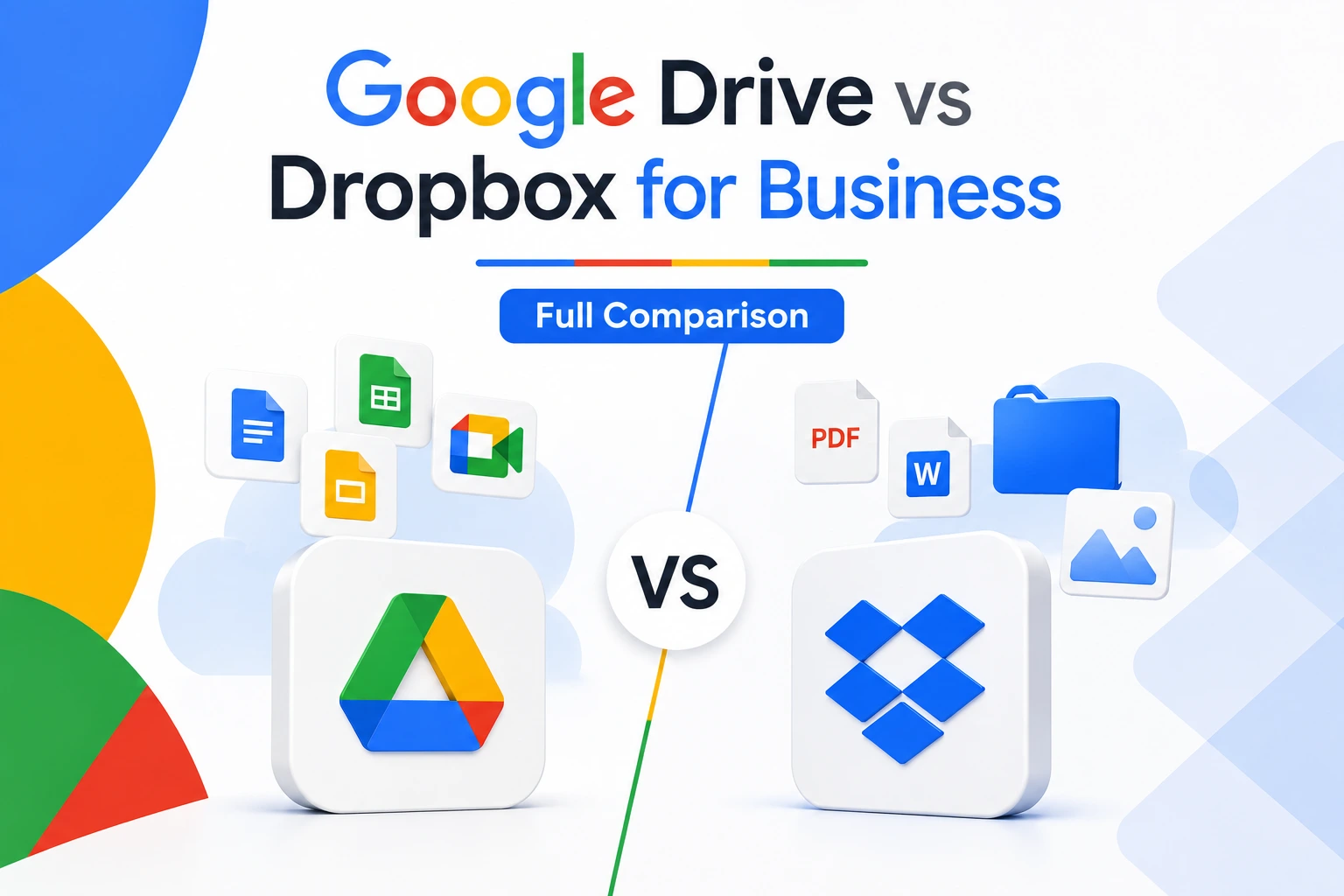
Google Drive is the better fit for most small and mid-sized businesses because it’s cheaper per user, includes real-time document collaboration through Docs, Sheets, and Slides, and comes bundled inside Google Workspace starting at $8/user/month officially or from $2.50/user/month through an authorized reseller. Dropbox is the stronger pick for teams handling large video, photo, or design files, thanks to faster sync technology and more advanced file organization tools, starting at $15/user/month for its Standard business plan. Neither replaces the other completely, and some businesses genuinely benefit from running both.
Choosing cloud storage used to come down to price per gigabyte. That’s no longer true. Google Drive and Dropbox have both grown into broader collaboration platforms, and the right choice now depends on what kind of work your team actually does day to day, not just how many terabytes you need.
What Is Google Drive vs Dropbox?
Google Drive is the storage layer inside Google Workspace, tied directly to Gmail, Docs, Sheets, and Slides. If your business already runs on Google’s suite, Drive isn’t a separate purchase decision; it’s included. Dropbox started as a standalone file-syncing tool and has since added collaboration features, but it remains primarily a file storage and sharing platform rather than a full productivity suite. That single distinction explains most of the differences you’ll read about below.
Google Drive vs Dropbox for Business: Pros and Cons
Google Drive pros:
- Real-time co-editing in Docs, Sheets, and Slides, with no separate app needed
- Lower per-user pricing at every comparable tier, especially through an authorized reseller
- Included as part of Google Workspace, so no separate storage purchase for teams already on Gmail (is Google Workspace free? covers what’s included at each tier)
- Advanced search that lets you filter by file type, owner, date, and content
Google Drive cons:
- No automated folder rules or naming conventions; organization is manual
- Admin settings live inside the broader Google Workspace admin console, which can feel like overkill for teams that only need storage
- No native block-level sync, so very large files can sync more slowly than on Dropbox
Dropbox pros:
- Block-level sync and LAN sync make it noticeably faster for large files
- Automated folder rules, tagging, and naming conventions built in
- Dropbox Rewind lets you restore an entire folder to a previous state, not just individual files
- Stronger sharing controls, including link passwords and link expiration dates
Dropbox cons:
- No native document editor comparable to Google Docs; Dropbox Paper is far more limited
- Higher per-user pricing than Google Workspace at every tier
- Business plans require a 3-user minimum
Pricing Comparison: Google Drive vs Dropbox Cost
Google Workspace pricing includes Drive storage as part of a broader suite, while Dropbox prices storage on its own. See the full Google Workspace pricing breakdown for every tier. No hidden charges. No extra taxes. The price you see is the price you pay.
| Plan | Official Google Price | Google Workspace Resellers Price | Monthly Saving | Yearly Saving |
|---|---|---|---|---|
| Starter, below 300 users | $8/user/month | $3/user/month | Save $5/user/month | Save $60/user/year |
| Starter, 300+ users | $8/user/month | $2.50/user/month | Save $5.50/user/month | Save $66/user/year |
| Business Standard | $18/user/month | $13/user/month | Save $5/user/month | Save $60/user/year |
| Business Plus | $28/user/month | $20/user/month | Save $8/user/month | Save $96/user/year |
Official Google Workspace Starter plan price is $8/user/month, but Google Workspace Resellers offers it from $2.50/user/month when you have 300+ users.
Dropbox’s business plans are priced separately, with no reseller discount structure:
| Plan | Storage | Price | Minimum Users |
|---|---|---|---|
| Dropbox Standard | 5TB shared team pool | $15/user/month (annual billing) | 3 users |
| Dropbox Advanced | Unlimited | $24/user/month (annual billing) | 3 users |
At every comparable tier, Google Workspace costs less per user, and the gap widens further once reseller pricing is factored in. Dropbox’s Standard plan pools 5TB across your whole team regardless of headcount, which can work in your favor for small teams needing large shared storage, but becomes less competitive per user as your team grows past a handful of people.
Dropbox vs Google Drive vs OneDrive for Business
Adding Microsoft’s OneDrive into the comparison matters because many businesses aren’t choosing between two options, they’re choosing between three. OneDrive is bundled into Microsoft 365 Business plans the same way Google Drive is bundled into Google Workspace, starting around $7/user/month as part of Microsoft 365 Business Basic. If your team already uses Outlook, Word, and Excel, OneDrive often becomes the default by inheritance rather than by direct comparison. Dropbox remains the platform-agnostic option of the three, since it isn’t tied to either ecosystem and integrates with both Google’s and Microsoft’s productivity suites. In practice, the decision usually comes down to which ecosystem (Google or Microsoft) your team already lives in, with Dropbox as the neutral third option when you want storage that isn’t tied to either. For a closer look at how Google’s suite stacks up against Microsoft’s document platform specifically, see our SharePoint vs Google Drive pros, cons, and price breakdown.
Dropbox vs Google Drive for Photos and Videos
For teams working heavily with photos and video, the two platforms diverge more than the general comparison suggests. Dropbox’s block-level sync means only the changed portion of a large video file needs to re-upload after an edit, which adds up quickly across a project with many revisions. Dropbox Replay, an add-on built specifically for video, image, and audio collaboration, lets teams comment directly on a timeline and compare versions side by side, something Google Drive has no direct equivalent for. Google Drive handles photo and video storage adequately and its search can surface files by content, but it wasn’t built with media production workflows in mind the way Dropbox increasingly has been. A photography studio, video agency, or marketing team producing a lot of raw footage will likely find Dropbox’s tools save real time; a business mostly storing occasional product photos or recorded meetings probably won’t notice the difference.
Why Use Dropbox Instead of Google Drive?
The most common reason businesses choose Dropbox over Google Drive isn’t price, since Google is cheaper. It’s usually one of three things: heavier reliance on large files that need to sync fast, a need for automated file organization that Google Drive doesn’t offer, or a team that isn’t standardized on Google’s ecosystem and wants storage that works equally well with Microsoft Office files. Creative agencies, video production teams, and businesses with strict version-recovery needs (Dropbox Rewind’s folder-level restore is more capable than Google’s file-level version history) are the clearest cases where Dropbox’s extra cost is easy to justify.
What People Say About Google Drive vs Dropbox on Reddit
Searches for “Dropbox vs Google Drive Reddit” usually turn up the same recurring themes across community discussions: people comparing sync reliability on unstable connections, complaints about Google’s storage being shared across Gmail and Photos rather than dedicated to Drive, and debates over whether Dropbox’s higher price is worth it for teams that don’t handle huge files. Community opinions vary by use case rather than converging on one clear winner, which tracks with the actual feature differences between the two platforms. Treat forum threads as anecdotal colour rather than a substitute for testing both tools against your own files and workflow.
Common Mistakes When Comparing Google Drive and Dropbox
Comparing consumer plans instead of business plans. Google Drive’s free 15GB and Dropbox’s free 2GB aren’t representative of what a business actually needs, and comparing personal-tier pricing leads to the wrong conclusion about which platform costs more at scale.
Ignoring how storage is pooled. Google Workspace grants storage per user that pools across the organization, while Dropbox Standard gives your whole team a fixed 5TB regardless of team size. A 3-person team and a 15-person team pay very differently for the same Dropbox storage pool, which changes the value calculation depending on headcount.
How to Choose: A Simple Decision Framework
Google Drive tends to fit better when:
- Your team already uses Gmail and wants document collaboration built in
- You want the lowest per-user cost, especially through a reseller
- Most of your files are documents, spreadsheets, and presentations rather than large media
- You want one bundled suite instead of a separate storage subscription
Dropbox tends to fit better when:
- Your team regularly works with large video, photo, or design files
- You need automated folder organization and naming conventions
- Your team isn’t standardized on Google or Microsoft and wants neutral, ecosystem-agnostic storage
- Folder-level version recovery (not just file-level) matters for your workflow
Neither platform is the universal answer. The right pick depends on file type, team size, and how much your business already depends on Google’s or Microsoft’s ecosystem. If neither feels like a perfect fit, our roundup of the best Google Workspace alternatives is worth a look.
Buying Google Workspace Direct vs Through an Authorized Reseller
If Google Drive is the right fit, the next question is how to buy Google Workspace to get it. Buying directly from Google works fine for businesses with an internal IT team and a simple setup. An authorized reseller tends to make more sense for businesses migrating from another email or storage provider, without dedicated IT staff, or looking for a lower per-user rate with ongoing setup support. Both options run on the same Google infrastructure, so the decision comes down to support and price rather than the underlying product.
Honest Limitation
Neither Google Drive nor Dropbox is a complete replacement for the other in every scenario. If your business genuinely needs both Google’s real-time document collaboration and Dropbox’s large-file handling, running both platforms for different purposes is a legitimate setup, not a compromise. It does mean paying for two subscriptions and training your team on where different file types belong, so weigh that overhead honestly before assuming you need both.
FAQs
Which is better, Dropbox or Google Drive?
There’s no single winner. Google Drive is better for document collaboration and overall cost. Dropbox is better for large file handling, sync speed, and automated organization. The right choice depends on what kind of files your team works with most.
What is Dropbox vs Google Drive, in simple terms?
Both are cloud storage platforms that let you save, sync, and share files online. Google Drive is bundled into Google Workspace with built-in document editors. Dropbox is a standalone storage and sync platform that integrates with both Google and Microsoft’s office tools rather than replacing them.
Is Google Drive or Dropbox better for a small business?
For most small businesses, Google Drive is the more cost-effective choice, especially if the team already uses Gmail and needs document collaboration. Dropbox makes more sense for a small business built around large media files, like a design studio or video production shop.
How do Google Drive, Dropbox, and OneDrive compare for business?
Google Drive and OneDrive are each bundled into their respective productivity suites (Google Workspace and Microsoft 365), so the choice between them usually follows whichever ecosystem your business already uses. Dropbox stands apart as a platform-agnostic option that isn’t tied to either suite, at a higher per-user price than both.
Why would a business use Dropbox instead of Google Drive?
The main reasons are faster syncing for large files, automated folder organization, and stronger folder-level version recovery. Businesses that produce or handle a lot of video, photo, or design files tend to see the clearest benefit from Dropbox’s extra cost.
How much does Google Drive vs Dropbox cost for business?
Google Workspace, which includes Drive, starts at $8/user/month officially or from $2.50/user/month through an authorized reseller. Dropbox’s business plans start at $15/user/month for Standard, with a 3-user minimum, and no comparable reseller discount structure.
Conclusion
Google Drive and Dropbox both solve the same basic problem, storing and sharing business files, but they get there differently. Google Drive is the more affordable, collaboration-first option for teams that live in documents and spreadsheets, and the reseller pricing gap makes it an even easier call for cost-conscious small businesses. Dropbox earns its higher price for teams whose daily work involves large media files, tighter organization, or version recovery that goes beyond individual files. If you’re still unsure, matching the platform to your most common file type, documents versus large media, is the fastest way to decide.