
Google Workspace Email Not Working? | Fix in 5 Min (2026)
Quick Answer “Google Workspace email not working” almost always falls into one of four patterns: you can’t send or receive anything at all, you can send but not receive, you’re missing mail from specific senders only, or specific recipients aren’t getting your mail. Each pattern points to a different cause: an outage, a DNS misconfiguration, […]
Google Workspace Billing 2026 | Full Guide
Quick Answer Google Workspace bills monthly no matter which plan you’re on; invoices go out on the 1st of each month, and payment is automatically charged on the 2nd. Where you actually manage billing depends entirely on how you signed up: directly through Google, through Squarespace, or through an authorized reseller; each has its own […]
How To Migrate From One Google Workspace to Another In 2026

Quick Answer Migrating from one Google Workspace account to another, whether you’re merging businesses, splitting off a division, or just changing domains, isn’t a one-click process. It’s a genuine project: set up the new account, migrate mail, Drive files, contacts, and calendar, then point mail delivery to the new destination. You have two real paths: […]
Migrate Microsoft 365 to Google Workspace (2026 Guide)
Quick Answer Migrating from Microsoft 365 to Google Workspace has two main paths, and picking the right one matters more than most guides let on. For most organizations, Google’s built-in Data Migration Service is the way to go: an admin-driven, bulk process that pulls mail, calendar, and contacts directly from Exchange Online, no downloads, no […]
How to Verify Your Domain for Google Workspace (2026)
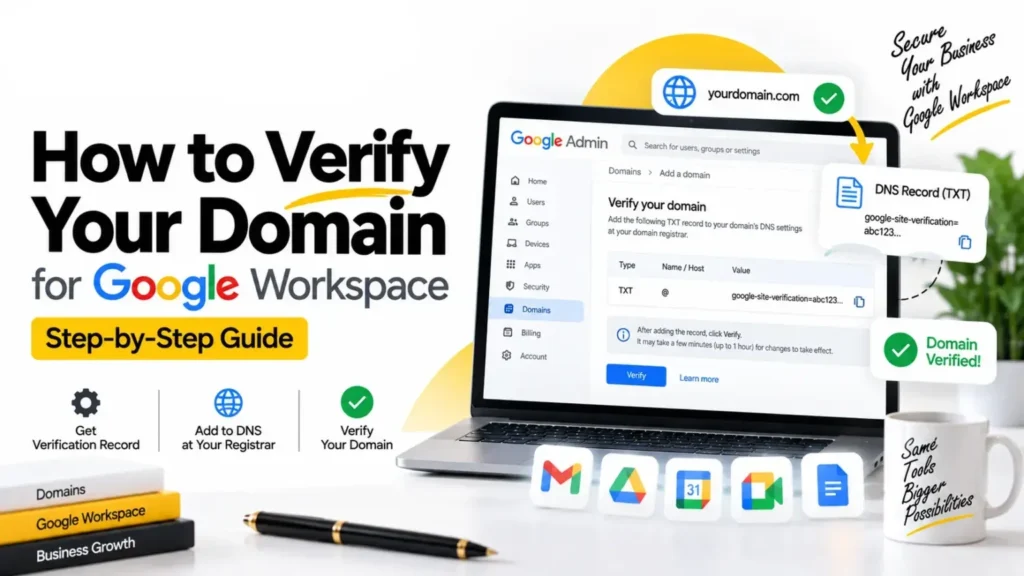
Quick Answer Verifying your domain for Google Workspace comes down to three steps: copy a unique TXT record value from the Google Admin console, paste it into your domain registrar’s DNS settings, then confirm ownership back in Google Workspace. Google says it can take up to 72 hours to recognize the change, but in practice […]
Can You Transfer a Domain From GoDaddy to Google In 2026? | Full Guide

Quick Answer Here’s the thing most guides on this topic get wrong: you can’t transfer a domain “to Google” anymore, not in the way people mean it. Google Domains, the consumer registrar, shut down in 2023 and fully migrated to Squarespace by 2024. If you’re picturing the old Google Domains dashboard, that product doesn’t exist. […]
Google Workspace Multiple Domains | Full Guide 2026
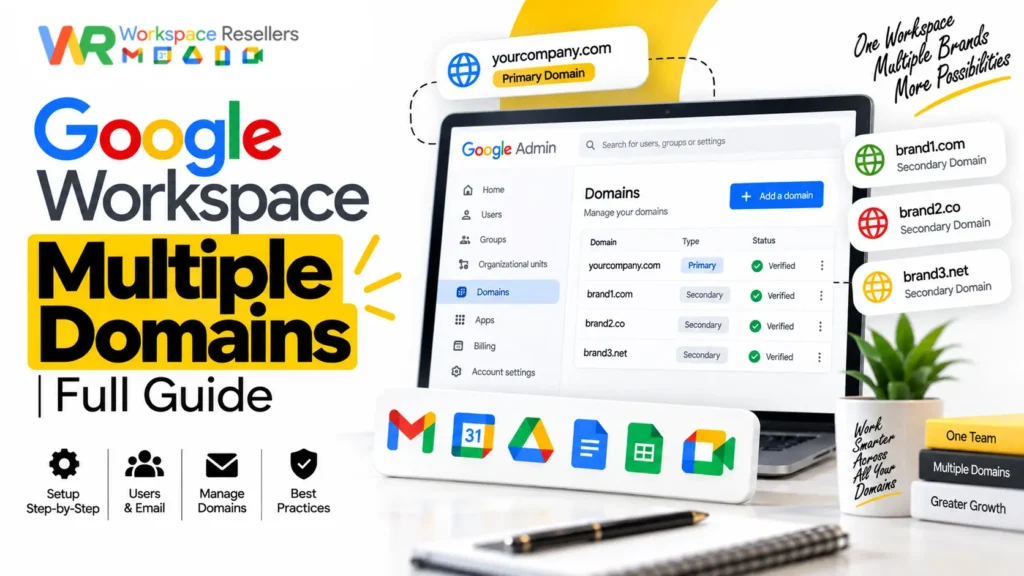
Quick Answer Yes, you can add multiple domains to a single Google Workspace account, and it doesn’t cost anything extra to add the domain itself. You can attach up to 600 total domains (1 primary plus 599 secondary or alias domains) to one account, and this limit is the same whether you’re on Business Starter […]
Verify Your Domain for Google Workspace on Porkbun in 2026
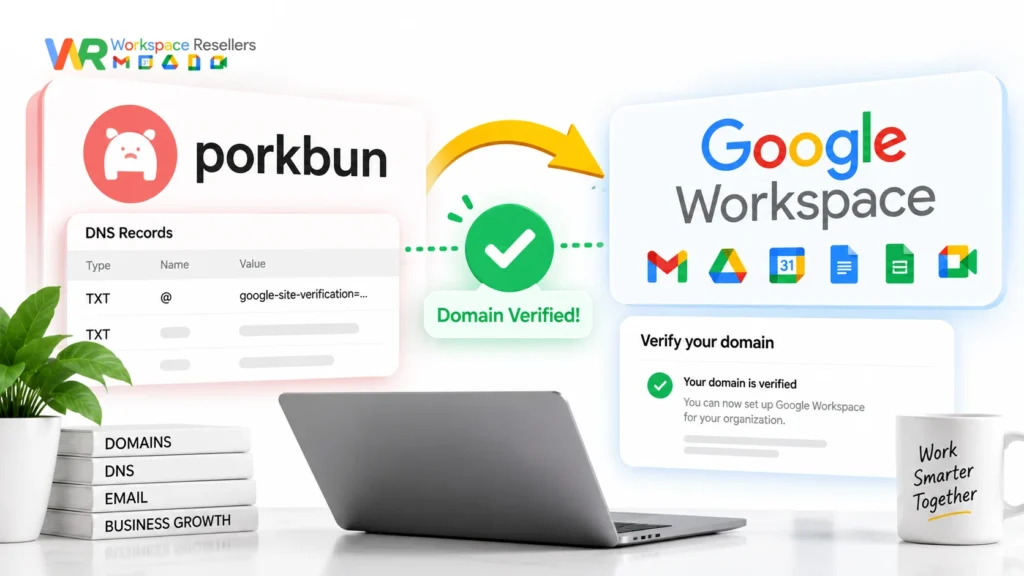
Quick Answer Verifying your Porkbun domain for Google Workspace means adding a TXT record Google gives you during signup, then waiting for it to propagate before confirming inside the setup wizard. Porkbun also has a one-click “Quick Setup” option that adds your MX and SPF records automatically, which handles most of the DNS work for […]
Migrate From Google Workspace to Office 365 | Full Guide 2026
Quick Answer Migrating from Google Workspace to Office 365 moves your mail, calendar, and contacts using Microsoft’s Exchange admin center, through either an automated or manual process. Microsoft’s own automated option fails often enough that most experienced admins recommend going manual from the start. The manual method involves creating a Google Cloud service account, generating […]
Google Workspace Mail Migration Secret Key | Full Details 2026
Quick Answer The “secret key” in Google Workspace mail migration is a JSON (or older P12) file generated from a Google Cloud service account. Third-party migration tools, like Zoho Mail’s import tool or Microsoft’s GWMME for Exchange, use this file to authenticate and pull your email data through domain-wide delegation. Here’s the part most guides […]