Quick Answer
A Google Workspace features overview covers nine core apps (Gmail, Drive, Docs, Sheets, Slides, Meet, Chat, Calendar, and Forms), a shared Admin Console for managing users and security, and Gemini AI built into every app on Business Standard and above. Storage, meeting capacity, and security controls scale up across the Starter, Standard, Plus, and Enterprise plans.
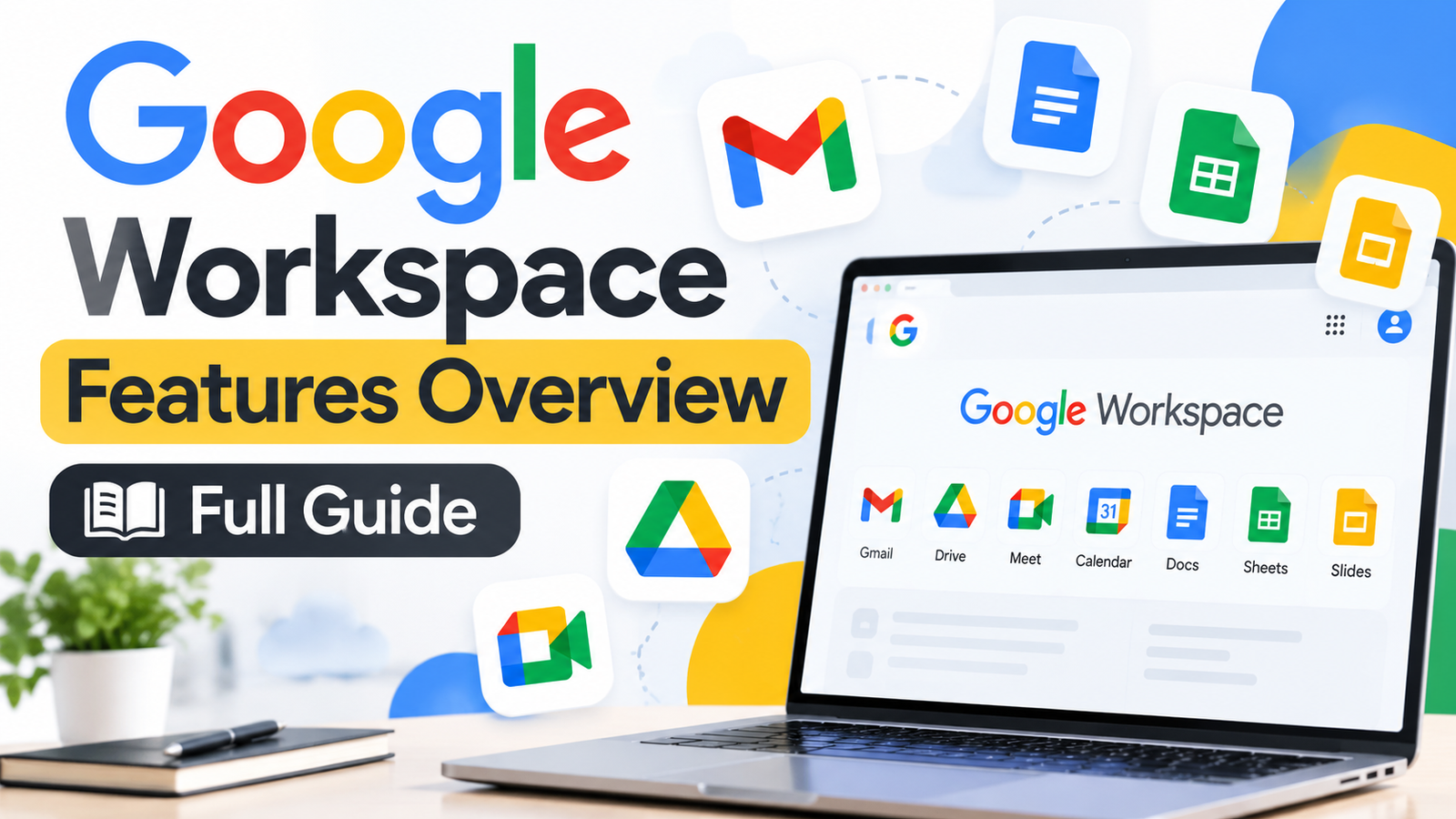
This Google Workspace features overview covers everything bundled into one subscription: Gmail, Drive, Docs, Sheets, Slides, Meet, Chat, Calendar, and Forms, plus Gemini AI built into every app on Business Standard and above. Every plan adds a shared Admin Console for managing users, security policies, and devices from one dashboard. Storage limits, meeting size, and security depth all scale up by plan tier, from Business Starter through Enterprise. This guide breaks down each feature in plain terms, clears up the real difference between the various login and dashboard screens, and walks through creating an account, so you know exactly what you’re getting before choosing a plan.
What Is Google Workspace?
Google Workspace is Google’s subscription suite of business email and productivity apps, built around your own company domain instead of a generic @gmail.com address. Where a free personal Google account gives you 15 GB of storage and consumer-grade support, Workspace adds professional email, pooled storage per user, an Admin Console, and business-grade security controls.
Every plan, from Business Starter up to Enterprise, shares the same core apps. What changes between tiers is storage, meeting capacity, security depth, and how much of Gemini AI you get. That consistency is actually one of the most underrated parts of this Google Workspace features overview: your team learns one set of tools once, and every plan upgrade adds capacity rather than forcing a new interface.
The Complete Google Workspace Features Overview: Apps Included
The nine apps below make up the practical answer to “what are the google workspace apps,” and each one covers a specific job.
- Gmail handles professional email on your domain, with spam and phishing filtering that catches the vast majority of malicious messages before they reach an inbox. Gemini can draft emails from short prompts and summarize long threads on Standard and above. Teams juggling a shared support or sales inbox should also look at a shared mailbox setup rather than forwarding rules.
- Google Drive is the central file hub, with storage pooled across the organization. Shared Drives belong to the company rather than an individual, so files stay accessible after someone leaves. Gemini in Drive can now summarize multiple selected documents at once and pull out action items.
- Docs, Sheets, and Slides support real-time co-editing, automatic saving, and full version history. Sheets covers formulas, pivot tables, and data validation well, though it still trails Excel on complex macros and specialized financial modeling. Gemini can draft a Doc from a prompt, generate a Sheets formula from a plain-language description, or build an editable, brand-matched Slides deck.
- Google Meet is included on every plan, with participant limits that scale from 100 on Starter up to 1,000 with live streaming on Enterprise. Recording, breakout rooms, and real-time captions are standard; noise cancellation works well even on noisy calls.
- Google Chat and Spaces cover direct messaging and persistent team channels, with the ability to start a Doc, a Sheet, or a Meet call directly from a Space.
- Google Calendar handles scheduling and shared availability. Appointment booking pages, available on Standard and above, let clients pick an open slot and book directly, which functions like a built-in scheduling tool at no extra cost.
- Google Forms collects survey and form data straight into a linked Sheet, with Gemini-assisted form creation from a plain-language description available in 2026.
Together, these apps are the backbone of any Google Workspace features overview, and every one of them is included starting from the Business Starter plan.
Gemini AI and Workspace Studio: The Newest Google Workspace Features
The most significant recent change to Google Workspace is that Gemini AI access now comes bundled into every paid plan rather than requiring a separate add-on purchase. Business Starter includes Gemini in Gmail only; Business Standard and above unlock it across Gmail, Docs, Sheets, Slides, Drive, Meet, and Chat.
Gemini pulls context from your own Workspace data, so a summary, draft, or answer reflects your actual emails, documents, and calendar entries rather than generic text. Heavy users can add the AI Expanded Access add-on for higher usage limits and advanced model access beyond what’s included by default. Check the latest app updates and features page for anything Google ships after this guide was written, since Gemini’s capabilities continue to expand.
Google also introduced Workspace Studio in 2026, a no-code platform for building custom AI agents and automated workflows, such as report generation or customer communication pipelines, directly inside the Workspace environment without writing code.
Google Admin Console: Managing Users, Security, and Devices
The Admin Console, reached at admin.google.com, is where an administrator manages every user, device, and security policy across the organization. It’s a separate system from the apps your team uses day to day, and it’s worth knowing its core sections by name:
- Users, under Directory, is where accounts are created, suspended, or deleted, and where users get organized into units with different policy settings.
- Security > Authentication is where two-factor authentication gets enforced organization-wide; Plus and Enterprise plans add support for physical security key enforcement.
- Devices > Mobile and endpoints manages phones and desktops that access Workspace data, including screen lock requirements, encryption enforcement, and remote wipe for lost devices.
- Data Loss Prevention (DLP), available on Plus and Enterprise, scans for and blocks the sharing of sensitive data such as credit card numbers or national ID numbers.
- Google Vault, also Plus and up, is the archiving and eDiscovery tool for retaining and exporting email, chat, and Drive content for legal or compliance needs.
- Reports > Audit log records admin actions, sign-in activity, and file sharing events, which matters for compliance and incident response.
Cloud security is a shared responsibility: Google secures the underlying infrastructure, but the organization is still responsible for configuring access controls correctly. If the Admin Console feels like more than your internal team wants to manage alone, a Google Workspace consulting service can help configure these settings properly, since the defaults aren’t always the right fit for every business.
Google Workspace Login, Admin Login, and Dashboard: What’s the Difference
This is one of the most commonly confused parts of Google Workspace, and it’s worth clearing up plainly.
Google Workspace login refers to a regular user signing into their own work account, typically at mail.google.com or accounts.google.com, using their name@yourcompany.com email address and password. This is what every employee uses every day.
Google Workspace admin login is different. It happens at admin.google.com, and it only works for an account that has been granted super admin or a delegated admin role. A regular user account, even on the same domain, cannot sign into the Admin Console unless an administrator has specifically assigned that role.
The “workspace.google.com dashboard” is a source of real confusion. workspace.google.com is actually Google’s public marketing and sales site, used for plan comparisons, demos, and starting a trial, not a live account dashboard. The actual day-to-day admin dashboard lives at admin.google.com, while an individual user’s own account settings live at myaccount.google.com. Knowing which of these three you actually need saves a lot of wasted troubleshooting time.
How to Create a Google Workspace Account
Setting up a new account follows a fairly consistent path, whether you sign up directly with Google or through a reseller.
- Start the signup. Go to workspace.google.com and begin a trial or paid signup, entering your business name and the number of users you expect to add.
- Verify your domain. You’ll need to prove ownership of your existing domain, typically by adding a TXT or CNAME record through your domain registrar’s DNS settings. This step is where most delays happen; see this domain verification guide for the exact record types different registrars expect.
- Create user accounts. Add each employee’s name and set up their @yourcompany.com email address through the Admin Console, or send a setup link for self-service account creation.
- Point your MX records to Google. This step activates incoming mail for your domain and typically takes effect within a few hours, though full propagation can take up to 48 hours depending on your DNS provider.
- Choose a plan and complete billing. Select Starter, Standard, Plus, or Enterprise based on your storage, meeting size, and security needs, then complete payment to activate the subscription.
Budget realistic time for step 2 in particular. Domain verification and DNS propagation are the parts that genuinely take hours, not minutes, even though account creation itself is nearly instant.
Google Workspace Features Comparison by Plan
Here’s how the core features break down across the four main plans, which answers the “google workspace features comparison” side of this guide directly.
| Feature | Business Starter | Business Standard | Business Plus | Enterprise |
|---|---|---|---|---|
| Storage per user | 30 GB | 2 TB | 5 TB | 5 TB+ |
| Meet participants | 100 | 150 (+ recording) | 500 | 1,000 (+ live streaming) |
| Gemini AI access | Gmail only | All apps | All apps | All apps |
| eSignature | Not included | Included | Included | Included |
| Google Vault | Not included | Not included | Included | Included |
| Data Loss Prevention | Not included | Not included | Included | Included |
| Google price (Flexible, no commitment) | $8.40/user/mo | $16.80/user/mo | $26.40/user/mo | Custom |
| Google price (Annual, 1-year term) | $7/user/mo | $14/user/mo | $22/user/mo | Custom |
Google’s Flexible plan has no annual commitment, while the Annual plan is cheaper per month in exchange for a 1-year term. For businesses that want Google’s own no-contract structure without the 1-year lock-in, GWR Official Google Workspace reseller, offers Business Starter from $3.00/user/mo for most orders (or $2.60/user/mo once an account reaches 300+ mailboxes), saving $5.40/user/month compared to Google’s own Flexible rate, with no annual contract required. No hidden charges, no extra taxes. The price shown is the price paid.
Disadvantages of Google Workspace
No platform is a perfect fit for every team, and an honest Google Workspace features overview should say so plainly.
Sheets still lags behind Excel for complex work. Advanced macros, Power Query, and specialized financial modeling are genuinely better supported in Excel. For standard business spreadsheets, Sheets is more than capable, but power users doing heavy financial modeling may hit real limits.
There’s no native full backup solution. Version history and Vault cover a lot, but Google doesn’t offer a complete backup product the way some dedicated backup tools do. Many organizations add a third-party backup tool for extra protection against accidental deletion or account compromise.
Some important features are locked behind higher tiers. Google Vault and Data Loss Prevention only appear on Plus and Enterprise, which means a Starter or Standard customer with compliance needs will eventually need to upgrade.
Switching away from Microsoft tools has a real learning curve. Teams deeply invested in Outlook workflows, complex Excel models, or specific Microsoft 365 integrations may need time to adjust, even though the core apps cover most everyday tasks. If you’re weighing the switch, it’s worth reading a direct Google Workspace vs. Google One comparison so you’re not confusing the two different Google products first.
Admin Console management takes some ramp-up time. For a small team with no dedicated IT person, learning where security, device, and user settings actually live inside the Admin Console is a genuine time investment, not a five-minute task.
If none of this fits your use case, it’s reasonable to look at other options; a page like best Google Workspace alternatives is a fair starting point for that comparison.
Common Mistakes When Evaluating Google Workspace Features
Assuming every plan gets full Gemini access. Business Starter only includes Gemini in Gmail. If AI across Docs, Sheets, and Slides matters to your workflow, you need Standard or above.
Confusing the Google Workspace login with the admin login. These are genuinely different sign-in points, and a regular employee account will never be able to open the Admin Console without an assigned admin role.
Treating workspace.google.com as a live dashboard. It’s Google’s marketing site for plan comparisons and trials, not where day-to-day account administration happens.
Underestimating domain verification time when planning a launch date. DNS changes can take hours to propagate, so verifying a domain the morning of a planned company-wide switch is risky.
Assuming Sheets will fully replace Excel for every use case. For most business spreadsheets it will; for heavy macro-based financial models, it may not.
Conclusion
This Google Workspace features overview covers the apps, admin tools, AI features, and plan differences that actually matter when deciding how to set up or manage a Workspace account: nine core apps shared across every tier, Gemini AI scaling from Gmail-only on Starter to every app on Standard and above, and security depth that grows through Plus and Enterprise. GWR is trusted by 1,500+ companies for reliable Google Workspace solutions, business email setup, migration, and ongoing support, and offers the same Gemini-inclusive plans covered in this guide without a 1-year commitment attached to the lower rate.
FAQs
What is included in every Google Workspace plan?
Every plan includes Gmail, Drive, Docs, Sheets, Slides, Meet, Chat, Calendar, Forms, and the Admin Console. Higher tiers add more storage, larger meetings, Vault, and broader Gemini AI access.
What is the Google Workspace login page?
It’s the regular sign-in a user completes at mail.google.com or accounts.google.com using their work email and password, separate from the Admin Console.
How is Google Workspace admin login different from a regular login?
Admin login happens at admin.google.com and only works for an account granted super admin or delegated admin permissions, not for a standard user account.
What is the workspace.google.com dashboard?
workspace.google.com is Google’s marketing and sales site for comparing plans and starting trials, not a live admin dashboard. The real admin tools live at admin.google.com.
How do I create a Google Workspace account?
Start a signup at workspace.google.com, verify your domain through DNS, create user accounts, point your MX records to Google, then choose a plan and complete billing.
What are the disadvantages of Google Workspace?
Limited support for complex Excel-style macros and financial modeling in Sheets, no native full backup product, and features like Vault and DLP reserved for Plus and Enterprise plans are the most commonly cited drawbacks.
Does every Google Workspace plan include Gemini AI?
Yes, but access scales by plan. Business Starter includes Gemini in Gmail only; Business Standard and above unlock it across every app.
How does Google Workspace pricing compare across plans?
Google’s own Flexible pricing runs $8.40 to $26.40 per user per month depending on tier, with a cheaper Annual rate requiring a 1-year term.
Is Google Workspace secure enough for business use?
Yes. It includes encryption in transit and at rest, two-factor authentication, phishing protection, and endpoint management, with DLP and Vault added on Plus and Enterprise for stronger compliance needs.
Can I try Google Workspace before committing?
Yes, Google offers a free trial on Starter, Standard, and Plus plans, with full feature access within the selected tier during the trial period.