Quick Answer
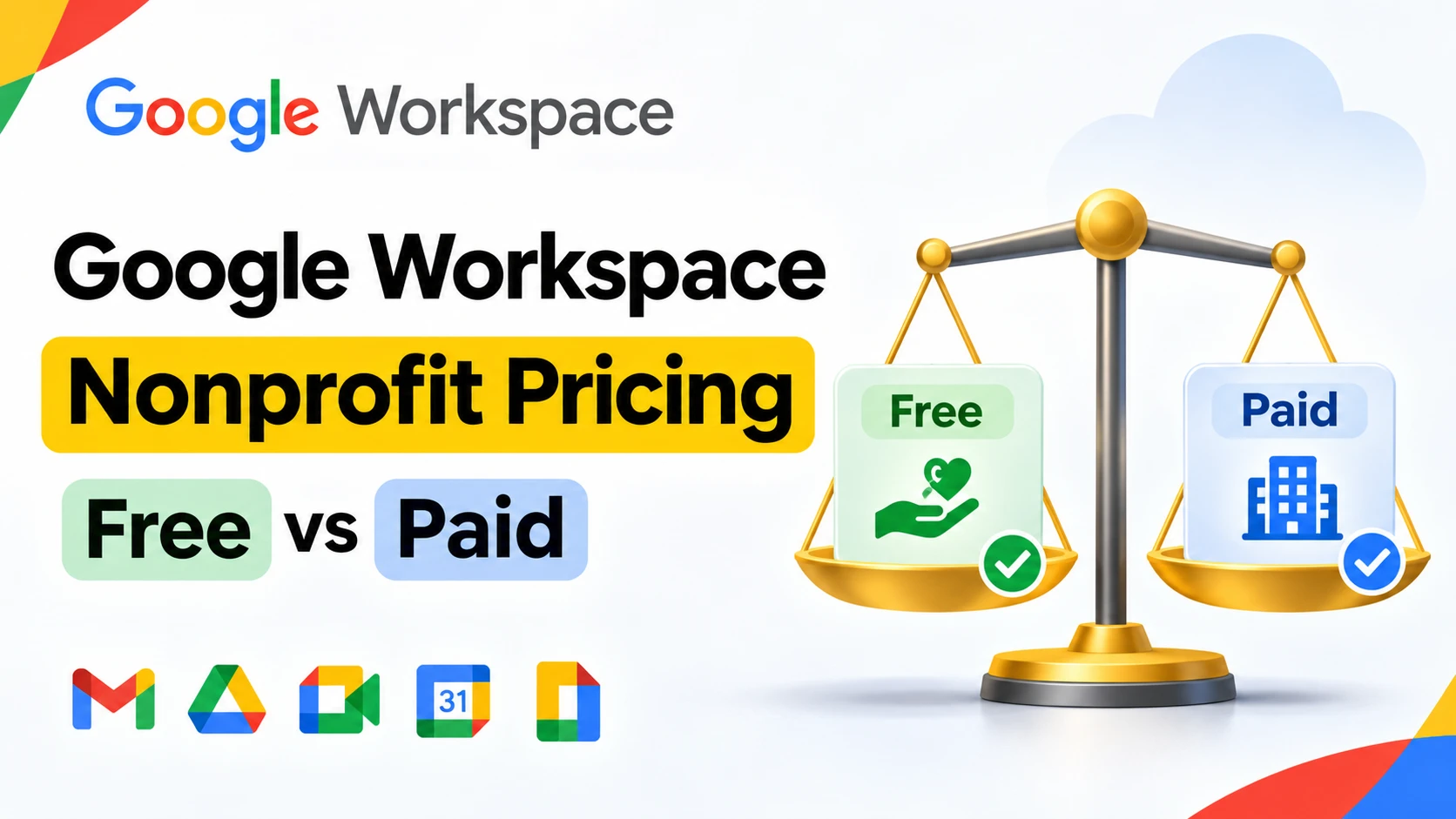
Google Workspace nonprofit pricing starts at $0. Verified 501(c)(3) nonprofits (and equivalents in other countries) qualify for the free Google Workspace for Nonprofits edition, which includes custom-domain email, Google Meet, 100 TB of pooled storage, and support for up to 2,000 users. Organizations that need more, larger meeting recordings, bigger meeting caps, or advanced security, can upgrade to paid nonprofit editions at a steep discount: Business Standard runs about $3.50/user/month and Business Plus about $6.16/user/month on an annual plan, both 70%+ off standard retail pricing. The catch is eligibility: not every mission-driven organization qualifies, and the application has to go through Google’s own verification process directly.
What Google Actually Gives Nonprofits for Free
The free tier is called Google Workspace for Nonprofits, and it isn’t a stripped-down trial. A verified nonprofit gets custom-domain email, Google Calendar, Google Meet, Google Docs and Sheets, Gemini with enterprise-grade data protections, AppSheet Core for building simple apps without code, and a shared pool of 100 TB of storage across the whole organization. New accounts can add up to 300 users at first, with the ability to request up to 2,000 total once the account is established, plus up to 4 secondary domains.
That 100 TB pool is worth putting in perspective. A ten-person team on the old flat 30 GB-per-user allocation had 300 GB total. The nonprofit edition’s shared pool is roughly 300 times larger than that, which matters for organizations that store field photos, donor records, or video documentation rather than just email.
A detail most nonprofits never hear about: the same Google for Nonprofits account that unlocks free Workspace also unlocks Google Ad Grants, which provides up to $10,000 a month in free Google Search ads. The two programs are separate applications, but running through the same validated account, so an organization already going through nonprofit verification for Workspace has effectively unlocked a second, unrelated benefit at no extra effort.
Who Actually Qualifies
This is where most searches on this topic go wrong, assuming that “nonprofit” is the only test. In the United States, an organization needs its own 501(c)(3) status, or needs to belong to a group exemption with documented affiliation to a central 501(c)(3). A few categories are specifically excluded or restricted:
- Fiscally sponsored organizations without their own 501(c)(3) are not currently eligible, even if the fiscal sponsor itself qualifies.
- Government entities are excluded entirely.
- Hospitals and healthcare organizations are excluded, though the philanthropic or fundraising arm of a healthcare system may qualify separately.
- Schools and universities are excluded, though a school’s or university’s philanthropic foundation may qualify on its own.
Outside the US, eligibility and the application process run through local equivalents of charitable registration, and availability varies by country. If you’re checking Google Workspace nonprofit pricing for the UK or Canada specifically, the program is available in both, but you’ll need your country’s own registered-charity documentation rather than a US EIN, so it’s worth checking Google’s current country-by-country product offerings page before assuming US rules apply one-to-one. Availability is more limited in some regions, including parts of South Asia, so an organization in Pakistan should check current country eligibility directly with Google before budgeting around the free tier.
How to Apply
- Confirm your country supports the program. Go to Google’s product offerings by country page and check availability before applying.
- Request a Google for Nonprofits account at google.com/nonprofits.
- Complete verification through Goodstack, Google’s nonprofit validation partner. Have your registration number or EIN and formation documents ready; Goodstack checks them against official registries.
- Activate Google Workspace for Nonprofits from the Google for Nonprofits dashboard once verification clears, then connect your domain.
There’s no fixed turnaround time published by Google, and verification speed depends on how quickly your registry documentation can be matched, so organizations on a tight timeline (a grant deadline, a new program launch) should start this process well before they actually need working email.
Paid Nonprofit Editions: What Business Standard and Plus Actually Cost
Once an organization is verified, upgrading beyond the free core edition unlocks meeting recordings, larger participant caps, and more advanced admin and security controls. Based on currently published nonprofit rates:
| Edition | Nonprofit price (annual) | Discount vs. standard retail | Meet participants |
|---|---|---|---|
| Core (free) | $0 | N/A | 150 |
| Business Standard | ~$3.50/user/month | 75%+ off | 150 |
| Business Plus | ~$6.16/user/month | 72%+ off | 500 |
| Enterprise | Custom quote | 70%+ off | No user cap |
Paid nonprofit editions require a one-year billing commitment, which is worth planning around if your organization’s funding is grant-cycle dependent rather than predictable year to year.
Nonprofit Pricing vs Regular Google Workspace Pricing
It helps to see nonprofit rates next to what a for-profit business actually pays for the same editions. Google’s standard Flexible (no-commitment) rate currently runs $8.40/user/month for Starter, $16.80 for Standard, and $26.40 for Plus; the annual-commitment rate is $7, $14, and $22 respectively.
| Who’s buying | Business Standard | Business Plus |
|---|---|---|
| Verified nonprofit (annual) | ~$3.50/user/month | ~$6.16/user/month |
| Regular business, direct from Google (annual) | $14/user/month | $22/user/month |
| Regular business, direct from Google (Flexible) | $16.80/user/month | $26.40/user/month |
A nonprofit on the paid Standard tier is paying roughly a quarter of what a standard business pays Google directly for the identical plan. That gap is the clearest way to see why eligibility, not price-shopping, is the real decision point for this keyword.
Worked Example: What a 20-Person Nonprofit Actually Pays
A 20-person verified nonprofit on the free core edition pays $0 for Workspace itself, using its $10,000/month Ad Grants allowance separately for outreach. If that same organization later needs meeting recordings or more storage per user and upgrades to Business Standard at roughly $3.50/user/month on an annual commitment, the yearly cost works out to about $840 for all 20 users, compared to $3,360/year if the same 20 people were on a standard business Flexible plan paying full retail. That’s the practical weight of the nonprofit discount once an organization actually needs to leave the free tier.
When Your Organization Doesn’t Qualify
Plenty of mission-driven groups search for Google Workspace nonprofit pricing and find out partway through that they don’t actually meet the eligibility bar: a political advocacy organization, a social enterprise structured as an LLC rather than a 501(c)(3), or a fiscally sponsored project without its own determination letter. None of those are eligible for the free or discounted nonprofit editions, however charitable their mission is in practice.
For organizations in that position, the fallback isn’t paying Google’s full retail rate by default. Standard Google Workspace is available through authorized resellers at a lower published rate than Google’s own direct pricing. GoogleWorkspace Resellers, for example, prices Business Starter at $3/user/month for accounts under 300 users (or $2.50/user/month once an order crosses 300 users), Business Standard at $13/user/month, and Business Plus at $20/user/month, each lower than Google’s own $8.40, $16.80, and $26.40 Flexible rates. No hidden charges. No extra taxes. The price you see is the price you pay. That doesn’t match the steep nonprofit-only discount, but it’s a meaningful saving for an organization that can’t get the Google for Nonprofits discount at all.
Buyer Decision Framework: Apply Direct to Google vs Work With a Reseller
Which path makes sense depends on where an organization actually sits:
- Verified nonprofits that only need core features (email, Drive, Meet, basic storage) should apply directly through Google for Nonprofits. There’s no reseller involved, and no reason to pay anything.
- Verified nonprofits that need Business Standard, Plus, or Enterprise should still apply and upgrade through Google for Nonprofits directly, since the nonprofit discount is only available that way, not through a standard reseller channel.
- Organizations that don’t qualify, but still want standard business-grade Workspace, generally get better pricing and setup support going through an authorized reseller than paying Google’s direct retail rate, since reseller pricing is typically lower and includes setup assistance that a self-service Google signup doesn’t.
- Organizations unsure whether they qualify should run the application first. Verification is free to attempt, and there’s no cost to finding out before committing to a paid path either way.
Common Mistakes Nonprofits Make With Workspace Pricing
- Assuming “nonprofit” automatically means eligible. Legal structure matters more than mission. A 501(c)(4) advocacy group or an unincorporated community initiative can be doing clearly charitable work and still not qualify for Google’s program as written.
- Budgeting for the nonprofit discount before verification clears. Verification through Goodstack isn’t instant, and a grant proposal or program launch built around an assumed discount that hasn’t been confirmed yet can leave an organization short if approval takes longer than expected or doesn’t come through.
- Not checking country-specific availability. The program’s exact requirements and sometimes its availability differ outside the US, so assuming US eligibility rules apply everywhere leads to confusion during the application itself.
- Overlooking the one-year commitment on paid editions. An organization that upgrades to Business Standard or Plus is locking in annual billing, which matters for nonprofits whose budgets are approved year to year rather than guaranteed multi-year.
Is Google Workspace Really Free for Nonprofits?
Yes, for the organizations that qualify. The free core edition isn’t a limited trial or a stripped-down version designed to push an upgrade. It includes real custom-domain email, a genuinely large shared storage pool, and support for up to 2,000 users at no cost indefinitely, as long as the organization stays within Google’s nonprofit program terms. The honest limitation is on the front end: qualifying for that free tier is the hard part, not the pricing itself once you’re in.
Conclusion
Google Workspace nonprofit pricing breaks into two very different stories. For an organization that clears Google’s eligibility bar, mainly 501(c)(3)s and their direct equivalents abroad, the core edition is free indefinitely, and even the paid upgrade tiers run 70% or more below standard retail. For organizations that do good work but fall outside that specific legal definition, like fiscally sponsored projects, advocacy groups, or social enterprises, the nonprofit program simply isn’t available, and the better move is comparing standard reseller pricing rather than paying Google’s full direct rate. Either way, the first real step is the same: confirm your country’s current eligibility rules and start the Google for Nonprofits application before building a budget around an assumption. If your organization lands in the second group, it’s worth comparing authorized reseller pricing against Google’s direct rate before signing up.
FAQs
Is Google Workspace free for nonprofits?
Yes, for organizations that pass Google’s eligibility verification, the core Google Workspace for Nonprofits edition is free, with no trial period or time limit, supporting up to 2,000 users and 100 TB of pooled storage.
How much does Google Workspace cost for nonprofits that need paid features?
Verified nonprofits that need more than the free core edition can upgrade to Business Standard at roughly $3.50/user/month or Business Plus at roughly $6.16/user/month, both billed annually, which is 70% or more below standard retail pricing for the same plans.
What are the Google Workspace nonprofit requirements?
In the US, an organization needs its own 501(c)(3) status or documented affiliation to a group exemption. Government entities, hospitals and healthcare organizations, and schools and universities are generally excluded, though their separate philanthropic or fundraising arms may qualify. Fiscally sponsored organizations without their own determination letter are not currently eligible.
Is there a Google Workspace for Nonprofits free trial?
No trial is needed. The core edition for verified nonprofits is free on an ongoing basis, not a time-limited trial. Paid nonprofit editions (Business Standard, Plus, Enterprise) don’t have a published free trial either; eligibility and billing start once you upgrade.
How do I apply for Google Workspace for Nonprofits?
Request a Google for Nonprofits account at google.com/nonprofits, then complete verification through Goodstack using your organization’s registration details. Once verified, activate Google Workspace for Nonprofits from your dashboard and connect your domain.
Does Google Workspace have nonprofit pricing in the UK, Canada, or Pakistan?
The program is available in the UK and Canada, using each country’s own charity registration process instead of a US EIN. Availability is more limited in parts of South Asia, including Pakistan, so it’s worth checking Google’s current country-by-country offerings page before assuming the program applies the same way everywhere.
What happens if my organization doesn’t qualify for nonprofit pricing?
You can still get standard Google Workspace, either directly from Google at its published retail rate, or through an authorized reseller at a lower published rate with setup support included.
Does the nonprofit edition include Gemini and AI features?
Yes. The current free nonprofit edition includes the Gemini app with enterprise-grade data protections as a standard feature, not a separate paid add-on.