Quick Answer
A Google Workspace consultant is someone who sets up, migrates, and restructures a company’s Google Workspace environment so email, Drive, and Calendar work as one connected system instead of a loose set of apps everyone uses differently. Most consultants work with small and mid-size teams, typically 3 to 30 people, on projects like moving off Microsoft 365, redesigning shared drives, or training staff on the plan the company already pays for. Fees vary by project scope rather than a flat rate, and in many cases the same setup, migration, and DNS work is included at no extra charge when you buy Google Workspace through an authorized reseller instead of hiring a consultant separately. If you’re not sure which route fits, GoogleWorkspace Resellers runs both a reseller service and a directory of vetted Google Workspace resellers and partners, so you can compare options before committing to either a consultant or a single provider.
What a Google Workspace Consultant Actually Does
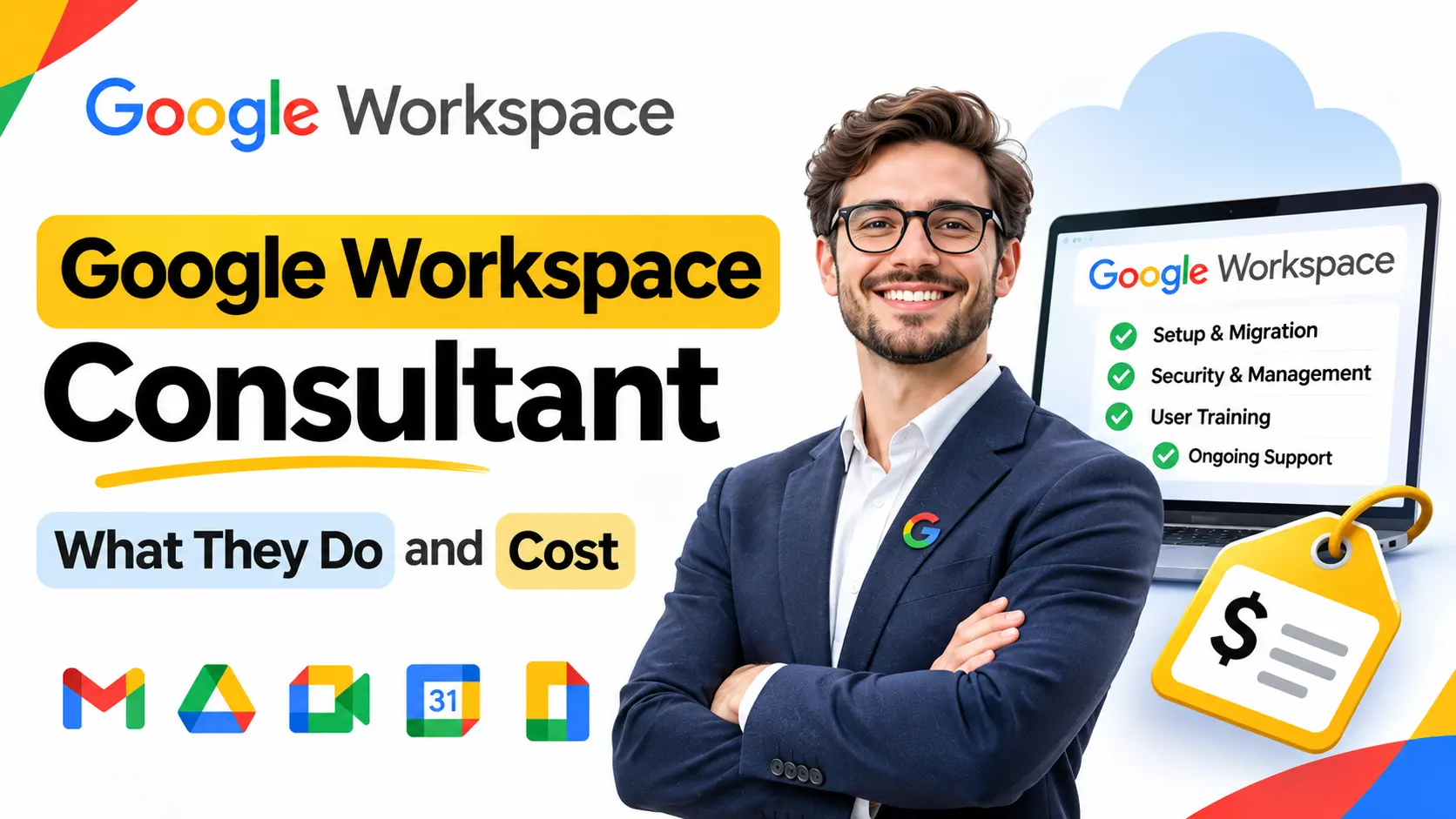
Google Workspace is five or six products, Gmail, Drive, Calendar, Docs, Meet, and increasingly Gemini, that most businesses end up running as five or six separate habits rather than one system. A consultant’s job is closing that gap. In practice, the work tends to fall into a few recurring areas:
- Setup and migration. Moving a company off Microsoft 365, a hosting provider’s mailbox, or a collection of personal Gmail accounts into a proper business domain, bringing mail history, contacts, and calendars across, and configuring DNS (MX, SPF, DKIM, DMARC) so mail actually delivers.
- Shared drive and permissions design. Deciding which files live in which shared drive, who has access by team rather than by individual file, and what gets archived rather than dragged into the new system as-is.
- Training and adoption. A reorganized Drive that nobody understands reverts to chaos within weeks. Training staff on the actual structure, not just a generic “how Google Drive works” session, is part of making a migration stick.
- Gemini and light automation. Gemini ships with Business plans but often sits unused. A consultant typically turns it on where it genuinely saves time and configures basic automation (a submitted form creating a folder or calendar entry, for example) rather than leaving every workflow manual.
- Admin, security, and offboarding. Two-step verification, sensible default sharing settings, device rules, and a repeatable process for what happens to a departing employee’s files, so offboarding isn’t a scramble.
Signs Your Business Actually Needs One
Most companies that end up calling a consultant are already paying for Google Workspace. The product usually isn’t the problem; the way it was switched on and left to grow is. A few patterns show up often enough to be worth checking against your own setup:
- The same document exists in three places with three different owners, one in someone’s personal Drive, one attached to an old email thread, one in a folder nobody remembers creating, and nobody can say which version is current.
- Files quietly leave with the people who made them. If project documents live in an individual’s My Drive rather than a shared drive, offboarding someone turns into a recovery exercise instead of a checklist item.
- Sharing permissions were set file by file, one at a time, so some links are open to anyone with the URL, some are locked down, and there’s no single view of which is which.
- Meetings still get arranged by email thread because calendars were never set up with shared visibility or room booking.
- The business is still paying separately for a file-sharing tool, a video conferencing tool, or an e-signature tool that the Workspace plan it already owns includes.
None of these mean Google Workspace was the wrong choice. They mean it was turned on, not designed. That’s the specific gap a consultant, or a reseller that includes setup as part of onboarding, is meant to close.
Google Workspace Consultant vs Google Support vs an Authorized Reseller
These three options get confused constantly, and picking the wrong one for the question you actually have wastes time on both sides.
| Question | Google’s own support | Independent consultant | Authorized reseller |
|---|---|---|---|
| Why is this specific email going to spam? | Handles it | Handles it | Usually included in support |
| How do I restore a deleted file? | Handles it | Handles it | Usually included in support |
| How should our shared drives be structured? | Not typically | Core service, billed separately | Sometimes included at setup |
| Which plan do we actually need? | Limited guidance | Core service, billed separately | Typically included, no extra charge |
| Can you migrate us and train the team? | Not offered | Core service, billed separately | Often included as part of onboarding |
| Is pricing negotiable or discounted? | No, Google’s list price applies | Not applicable, separate from license cost | Often lower than Google’s own direct rate |
The practical difference: Google’s support is reactive and free, built into every plan, and good at fixing things that are already broken. An independent consultant is proactive and billed separately from your Workspace subscription, specializing in the strategy and structure Google support doesn’t offer. A reseller sits in between: it sells the actual licenses, usually at a lower published rate than buying directly from Google, and many resellers, including GoogleWorkspace Resellers, fold setup, DNS configuration, and migration support into that license price rather than charging for it as a separate consulting engagement.
Because “reseller” and “consultant” both get used loosely, it’s worth checking a few options side by side rather than taking the first search result at face value. GoogleWorkspace Resellers maintains a directory of Google Workspace resellers and alternatives alongside its own reseller pricing, which is useful specifically for that comparison: seeing how a handful of providers’ pricing, included services, and regional coverage actually stack up before picking one.
How Much Does a Google Workspace Consultant Cost
This is worth separating into two different questions people often blur together: what you pay for the Google Workspace subscription itself, and what you’d additionally pay a consultant to set it up.
Google’s own published Workspace pricing (the product cost, not consulting) runs on a per-user, per-month basis: roughly $7 to $8.40 for Business Starter depending on commitment, $14 to $16.80 for Business Standard, and $22 to $26.40 for Business Plus, all before any reseller discount. That’s the cost of the licenses regardless of who sets them up.
Consultant fees sit on top of that and aren’t standardized across the industry. A straightforward migration for a 10-person team, moving mail and files over a weekend, costs less than a full shared-drive redesign with live staff training and ongoing Gemini automation work for a 30-person company. Most independent consultants scope and quote a fixed price after an initial call rather than publishing a flat hourly rate, which makes direct price comparison across consultants difficult without actually requesting quotes.
If the goal is simply getting Workspace set up correctly without paying for a separate consulting engagement, an authorized reseller is often the more direct route: the per-user rate is typically lower than Google’s own direct price, and setup, DNS configuration, and Admin Console handover are commonly included rather than billed as additional consulting hours.
Is Google Workspace Worth It, and Do You Have to Pay for It?
Whether it’s worth it depends on what you’re comparing it to. Against running email through a free personal account or an unmanaged hosting mailbox, Workspace adds real things: a custom domain, shared calendars and drives, meeting tools, and centralized admin control over who has access to what. Against doing nothing at all, it’s a genuine cost increase for a small business.
As for whether you have to pay: yes, for standard commercial use. There’s no general free tier of Google Workspace for an ordinary business. The one major exception is Google Workspace for Nonprofits, a separate program with its own eligibility rules for verified charitable organizations, not something a regular company can apply for. Outside that specific program, every edition, Starter through Enterprise, is a paid subscription.
Google Workspace Partners in Pakistan, the UK, and Other Regions
Partner and reseller coverage isn’t uniform worldwide. In markets like Pakistan, local payment methods, currency billing, and on-the-ground support availability vary between partners, so it’s worth confirming directly with a specific reseller whether they bill in local currency and offer support in your time zone rather than assuming every partner listed online operates the same way. In the UK, pricing is quoted the same way as elsewhere (per user, per month in USD by default from Google directly), though UK-based resellers and consultants often quote in GBP, so comparing like for like means checking whether a quoted rate already includes currency conversion or VAT.
This is exactly the kind of question a directory of Google Workspace resellers is built for rather than a single provider’s own pricing page: instead of searching region by region, you can see which partners actually serve a given country and compare their published rates and support coverage in one place before reaching out.
One search people run into here is whether Google Workspace can be bought with cryptocurrency. As a general rule, Google’s own billing and most authorized resellers bill in standard currency through card or invoice, not crypto, so that’s a genuine limitation to flag honestly rather than something we can point to a workaround for.
Common Mistakes Businesses Make
- Hiring a consultant for a strategy problem that a reseller’s included setup would have solved for free. If the actual need is “set this up correctly and migrate our mail,” paying separately for consulting hours on top of the Workspace subscription can be redundant with what a reseller already bundles in.
- Picking a plan based on storage alone rather than the feature that actually matters. Teams frequently assume more storage is the upgrade they need, when the real gap is shared drives, eSignature, or device management, features tied to the plan tier, not the gigabyte count.
- Assuming “Google Workspace consultant” and “Google Workspace reseller” are interchangeable. They can overlap, but a pure consultant doesn’t sell licenses and a pure reseller doesn’t always offer deep strategic consulting; knowing which one you actually need avoids paying for work you don’t.
Google Workspace Consultant Jobs and Salaries
Searches for “Google Workspace consultant jobs” and “salary” usually come from two different audiences: IT professionals considering the role, and businesses wondering if hiring in-house makes more sense than contracting someone externally. For most small and mid-size businesses, the volume of setup and admin work doesn’t justify a full-time hire; it’s a project-based or retainer-based engagement instead. Independent consultants and specialist agencies in this space typically combine Workspace work with adjacent skills, CRM integration, automation tooling, and general IT consulting, rather than offering Workspace administration as a standalone full-time service.
FAQs
How much does a Google Workspace consultant cost?
There’s no industry-standard rate. Consultants scope and quote projects individually based on migration size, the amount of Drive restructuring needed, and whether training is included. Fees are separate from the Google Workspace subscription cost itself.
Is Google Workspace worth it for a small business?
For most small businesses that need a custom email domain, shared calendars, and centralized file storage, yes. The honest comparison point is a free personal email account or an unmanaged hosting mailbox, both of which lack the admin control and collaboration features Workspace provides.
Do you have to pay for Google Workspace?
Yes, for standard commercial use there’s no free tier. The one exception is the separate Google Workspace for Nonprofits program, available only to verified charitable organizations that apply and qualify directly through Google.
What is a Google Workspace administrator?
A Google Workspace administrator is the person inside an organization (or hired externally) who manages the Admin Console: user accounts, security policies, device rules, and day-to-day configuration. It’s an operational role, distinct from a consultant who’s typically brought in for a defined project rather than ongoing administration.
Can I buy Google Workspace with cryptocurrency?
Generally, no. Google’s own billing and most authorized resellers process payment through standard card or invoice billing, not cryptocurrency, so this isn’t something to plan a purchase around.
Are there Google Workspace partners in Pakistan?
Yes, though coverage, local currency billing, and support hours vary by partner. It’s worth confirming directly with a specific reseller whether they support Pakistan-based billing and time zones before assuming every partner operates identically.
What’s the difference between hiring a consultant and buying through a reseller?
A consultant typically charges a separate fee for strategy, migration, and training work, independent of where you buy your Workspace licenses. An authorized reseller sells the licenses directly, usually below Google’s own published rate, and commonly includes setup, DNS configuration, and Admin Console handover as part of that price rather than as separate billable consulting.