Quick Answer
Google Workspace is widely regarded as secure, holding strong aggregate ratings across major review platforms (around 4.6/5 on G2, 4.7/5 on Capterra, and 8.5/10 on TrustRadius), and it includes real security infrastructure: phishing and malware scanning, two-step verification, encryption in transit and at rest, and an Admin console with dedicated security tools. But “secure” isn’t automatic. Google publishes its own official security checklist specifically because a properly configured account is meaningfully safer than a default one, and several of the most important protections- a separate admin account, enforced 2-step verification, and Data Loss Prevention- require deliberate setup rather than coming pre-enabled.
“Is Google Workspace secure” is really two separate questions: is the underlying platform secure (yes, by any reasonable industry standard), and is your specific account configured securely (that part is on you). This review covers both, using Google’s own published checklist rather than a generic list of tips, plus what independent reviewers actually say about the platform.
Is Google Workspace Secure?
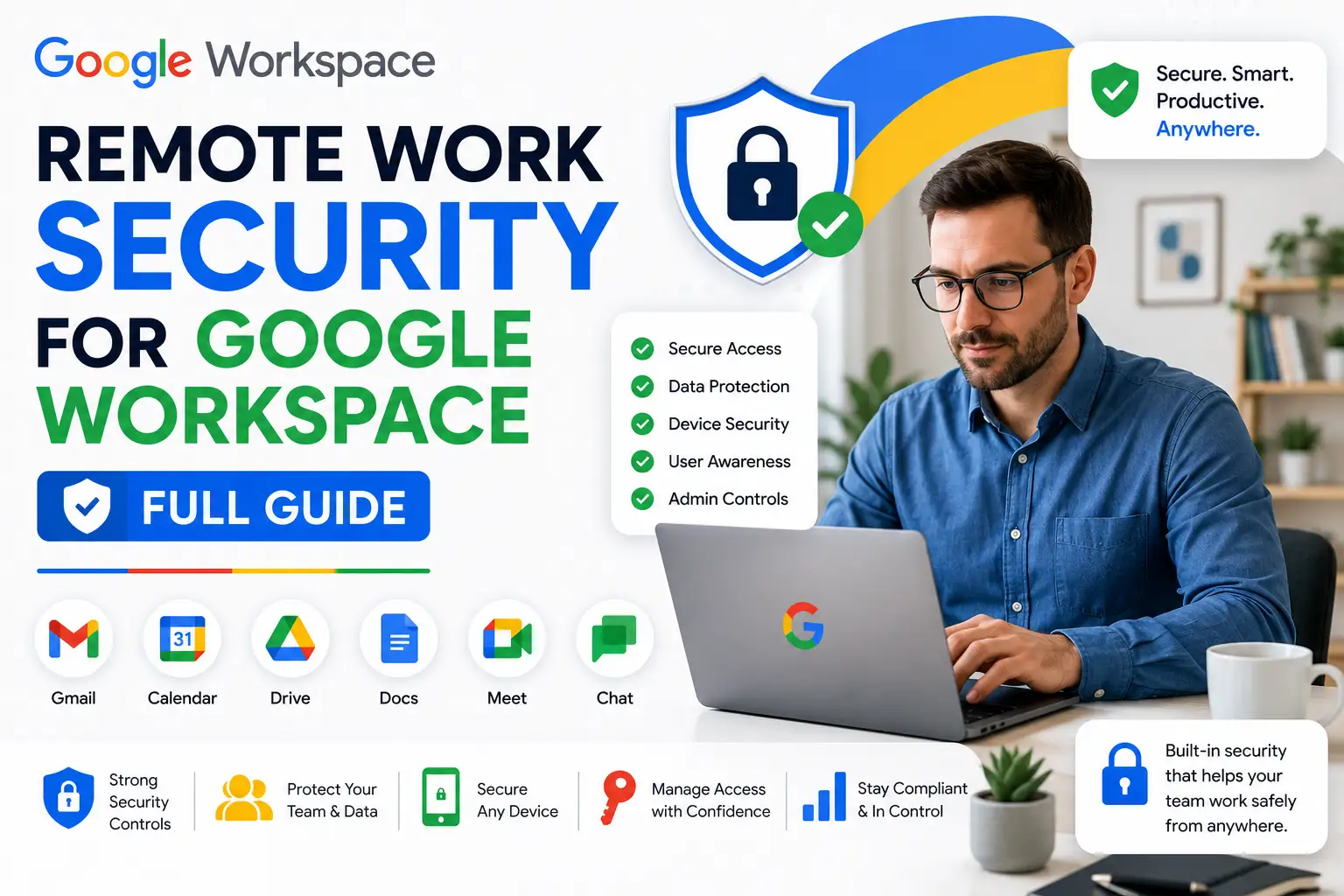
Yes, at the infrastructure level. Google Workspace runs on the same infrastructure Google uses to protect its own services, with encryption in transit and at rest, automatic phishing and malware scanning on incoming Gmail messages, and a dedicated Security Center in the Admin console for monitoring and investigating threats. Independent security researchers and enterprise IT teams generally treat Google Workspace as a credible, enterprise-grade platform, not a consumer product stretched to fit business use. The gap between “the platform is secure” and “our account is secure,” though, comes down entirely to configuration, which is where Google’s own checklist comes in.
What Users and Reviewers Actually Say
Aggregate review data across major platforms is consistently strong: Google Workspace holds approximately 4.6 out of 5 on G2 across tens of thousands of reviews, around 4.7 out of 5 on Capterra, and roughly 8.5 out of 10 on TrustRadius, figures that are well-corroborated across multiple independent sources rather than resting on any single platform. Reviewers commonly cite the admin console, ease of use, and real-time collaboration as strengths, with the most consistent complaint being customer support responsiveness rather than security specifically. That pattern, strong general satisfaction with occasional support friction, is worth knowing going in, since security-specific issues (like a genuine account compromise) are exactly the moment fast support matters most.
Google’s Official Security Checklist for Small Businesses (1-100 Users)
This is Google’s own published checklist, built specifically for businesses without a dedicated IT administrator. It’s organized into two parts.
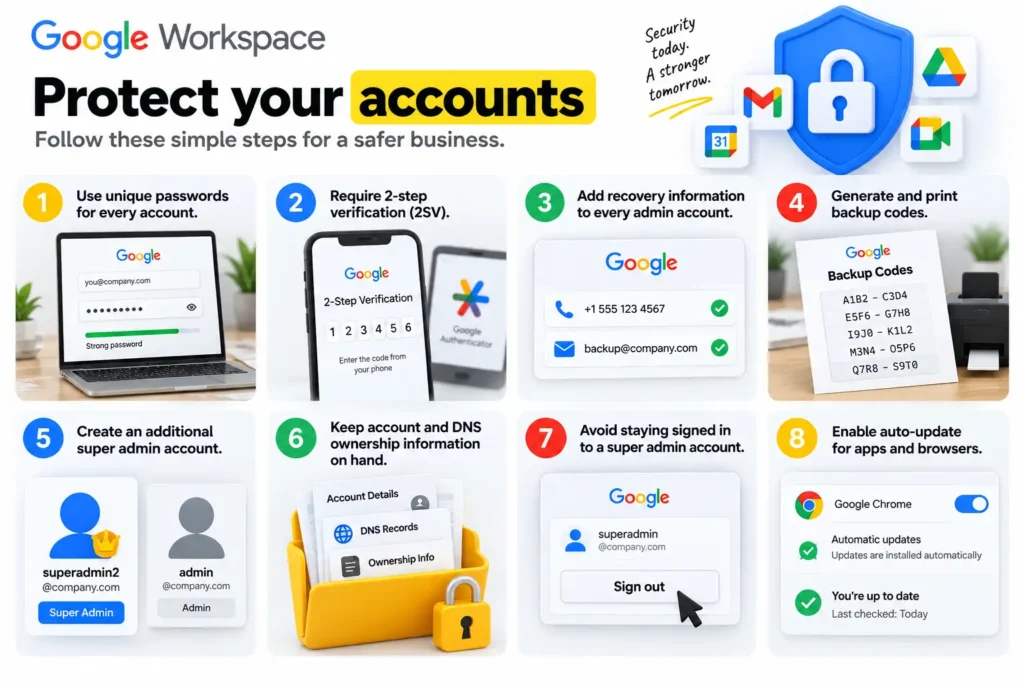
Protect your accounts:
- Use unique passwords for every account, discouraging reuse across email, banking, and other services.
- Require 2-step verification (2SV) for admins and key users handling sensitive data, ideally enforced for everyone.
- Add recovery information (a phone number and email) to every admin account so password resets don’t lock anyone out.
- Generate and print backup codes ahead of time for any user or admin relying on 2SV, in case their phone or security key is lost.
- Create an additional super admin account, managed by a separate person, so a lost or compromised primary admin account doesn’t leave the business without administrative access.
- Keep account and DNS ownership information on hand in a secure place, needed if Google Support has to verify your identity for a super admin password reset.
- Avoid staying signed in to a super admin account. Sign in to perform specific tasks, then sign out, using a limited-role account for daily administrative work.
- Enable auto-update for apps and browsers, especially Chrome, so security patches apply automatically across the organization.
If you use Gmail, Calendar, Drive, and Docs:
- Turn on enhanced pre-delivery message scanning to catch phishing attempts standard scanning might miss.
- Turn on additional malicious file and link screening for Gmail attachments, links, and external images.
- Set up SPF for your domain so legitimate email doesn’t bounce or get marked as spam, and to make spoofing your domain harder.
- Restrict calendar sharing with people outside your company to free/busy information only, rather than full event details.
- Turn off link sharing by default so newly created files stay private until a user explicitly shares them.
- Enable warnings when users try to share a file with someone outside the company, prompting a deliberate confirmation rather than an accidental share.
Why You Need a Separate Admin Account
This deserves its own explanation because it’s easy to underestimate. If your business has only one super admin account and that person loses access, forgets their password with no working recovery method, or has their account compromised, you can lose the ability to manage your entire Google Workspace organization at the worst possible moment. A second super admin account, managed by a different person, is Google’s own explicit recommendation specifically to prevent this single point of failure. It costs nothing extra to set up and is one of the highest-value, most overlooked items on the entire checklist.
What Is the Google Security Center?
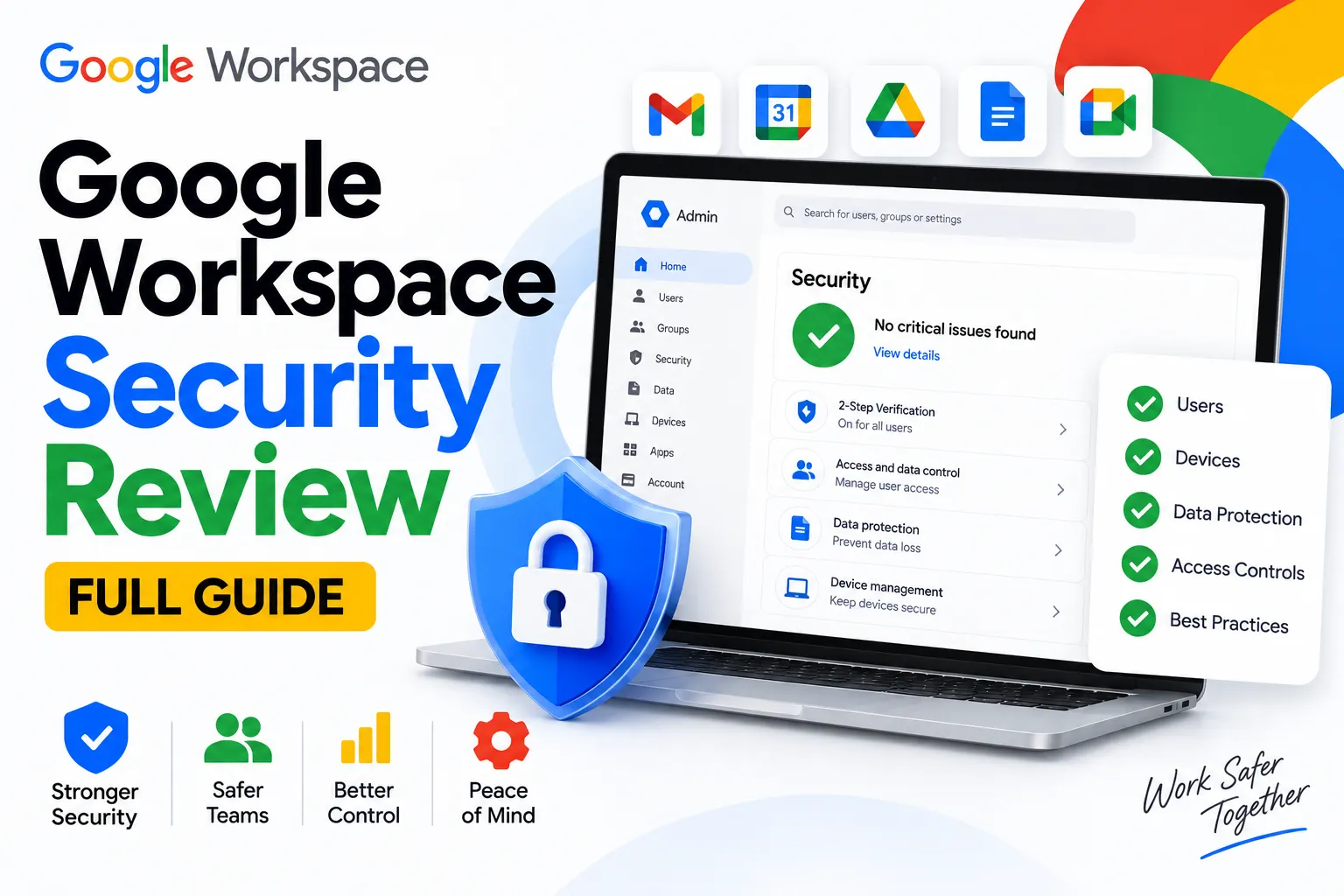
The Security Center is a set of tools inside the Admin console, available on qualifying plans, that gives admins a centralized view of security health, alerts, and investigation capability across the organization. It includes a security dashboard summarizing your organization’s security posture, an investigation tool for searching and taking action on specific security events (like a suspicious login or a malicious email), and a security health page flagging configuration issues (like link sharing left too permissive) before they become a problem. For a small business, even periodically reviewing the security health page catches misconfigurations that the checklist alone won’t automatically surface.
Gmail Security Checklist
Narrowing specifically to Gmail, the items from Google’s broader checklist that matter most are: enhanced pre-delivery message scanning, additional malicious file and link screening, and SPF setup for your domain. Beyond Google’s own checklist, it’s also worth setting up DKIM and DMARC, which work alongside SPF to authenticate outgoing mail and make it substantially harder for someone to spoof your domain in a phishing attempt aimed at your customers or partners, even though Google’s small-business checklist doesn’t list them as a baseline item.
Small Business Cyber Security Checklist Beyond Google Workspace
Google’s checklist covers your Workspace account specifically, but a genuinely complete small business security posture extends further: keeping all business devices (not just those tied to Google accounts) updated and encrypted, using a password manager rather than relying on memory or browser autofill alone, training staff to recognize phishing attempts even with Gmail’s filtering in place, and having a basic incident response plan (who to contact, what to do first) if an account compromise is ever suspected. Google Workspace’s security tools reduce your risk significantly, but they’re one layer of a broader security posture, not the entire thing.
Is Google Workspace Good? Is It Worth It?
Given the strong aggregate review scores, the real infrastructure security, and a genuinely actionable free checklist for small businesses, Google Workspace holds up well as both a productivity and a security choice for most businesses. Whether it’s specifically worth the cost depends on your plan and how you buy it; see our Is Google Workspace Worth It breakdown for the fuller cost-benefit picture beyond security alone.
How Google Workspace Compares to Dedicated Email Security Add-Ons
For businesses with heightened email security needs, third-party tools like Mimecast (email security and archiving) or Nira (Google Drive access visibility and control) are sometimes evaluated alongside or on top of Google Workspace’s native protections. These aren’t replacements for Google’s built-in security; they’re additive layers aimed at more specialized needs: Mimecast focuses on advanced email threat protection and continuity, while Nira focuses specifically on visibility into who has access to what across your Drive files, an area Google’s native tools cover less granularly than a dedicated access-management tool does. Whether either is worth adding depends on your specific risk profile; most small businesses following Google’s own checklist thoroughly won’t need to add a third-party layer immediately.
Common Mistakes in Google Workspace Security
Treating “paid plan” as synonymous with “secure.” Google Workspace’s infrastructure security applies regardless of plan, but many of the checklist items, especially enforced 2SV and a second admin account, require active setup and aren’t automatically configured just because you’re paying for a Business plan.
Leaving link sharing on by default. This is one of the more common misconfigurations Google’s own checklist specifically calls out, since it means newly created files can be more exposed than an admin realizes until it’s explicitly addressed.
Which Google Workspace Plan Offers Stronger Security?
Google’s own small-business checklist applies at every paid tier, including Business Starter, and doesn’t require an upgrade to implement. Where plan tier matters is in the more advanced tools: Data Loss Prevention and deeper Security Center features are strongest from Business Standard up, and Business Plus adds Vault for retention and eDiscovery on top of that. A small business just implementing the baseline checklist doesn’t need to upgrade tiers to do so; a business wanting DLP or more advanced monitoring should budget for Standard or above.
Buying Google Workspace Direct vs Through a Reseller for Security Setup
The checklist and Admin console tools work identically regardless of how you bought your licenses, but setup support can differ. Buying direct from Google means implementing the checklist yourself using Google’s documentation. Buying through an authorized reseller often means setup guidance for exactly this kind of security configuration, useful for a small business without in-house IT expertise working through the checklist for the first time. See our full Google Workspace pricing breakdown to compare plans before deciding which tier fits your security needs.
Honest Limitation
This review reflects Google’s own current published checklist and widely corroborated review data, but no guide can account for your organization’s specific risk profile, industry regulations, or threat model. A business handling particularly sensitive data (health records, financial information) should follow Google’s checklist for medium and large businesses even at a small headcount, and may benefit from consulting a security professional rather than relying on a general checklist alone.
FAQs
Is Google Workspace secure?
Yes, at the infrastructure level, with encryption, phishing and malware scanning, and dedicated admin security tools. Whether your specific account is secure depends on configuration, which is why Google publishes its own checklist for small businesses to work through.
What is Google’s official security checklist for small businesses?
A free, published checklist covering account protections (unique passwords, 2-step verification, a second super admin account, backup codes) and app-specific settings for Gmail, Calendar, Drive, and Docs (phishing scanning, SPF, link sharing defaults), built specifically for businesses without a dedicated IT admin.
Why do I need a separate Google Workspace admin account?
A second super admin account, managed by a different person, prevents your organization from losing administrative access entirely if the primary admin account is lost, forgotten, or compromised. It’s an explicit recommendation on Google’s own official checklist.
What is the Google Security Center?
A set of Admin console tools, including a security dashboard, an investigation tool, and a security health page, that give admins centralized visibility into their organization’s security posture and let them investigate and respond to specific security events.
Is Google Workspace good, based on reviews?
Yes, generally. Aggregate ratings run around 4.6/5 on G2, 4.7/5 on Capterra, and 8.5/10 on TrustRadius, consistently strong across independent platforms, with customer support responsiveness as the most common area of complaint rather than security or reliability.
Conclusion
Google Workspace’s underlying platform security is genuinely strong, and independent review data backs that up consistently across multiple platforms. The part that actually determines whether your business is secure is configuration, and Google’s own free checklist, covering unique passwords, 2-step verification, a second admin account, and sensible Gmail and Drive defaults, is the single best starting point for a small business without dedicated IT staff. Working through it once, rather than assuming a paid plan handles it automatically, is the real difference between a secure account and a merely secure platform.