Quick Answer
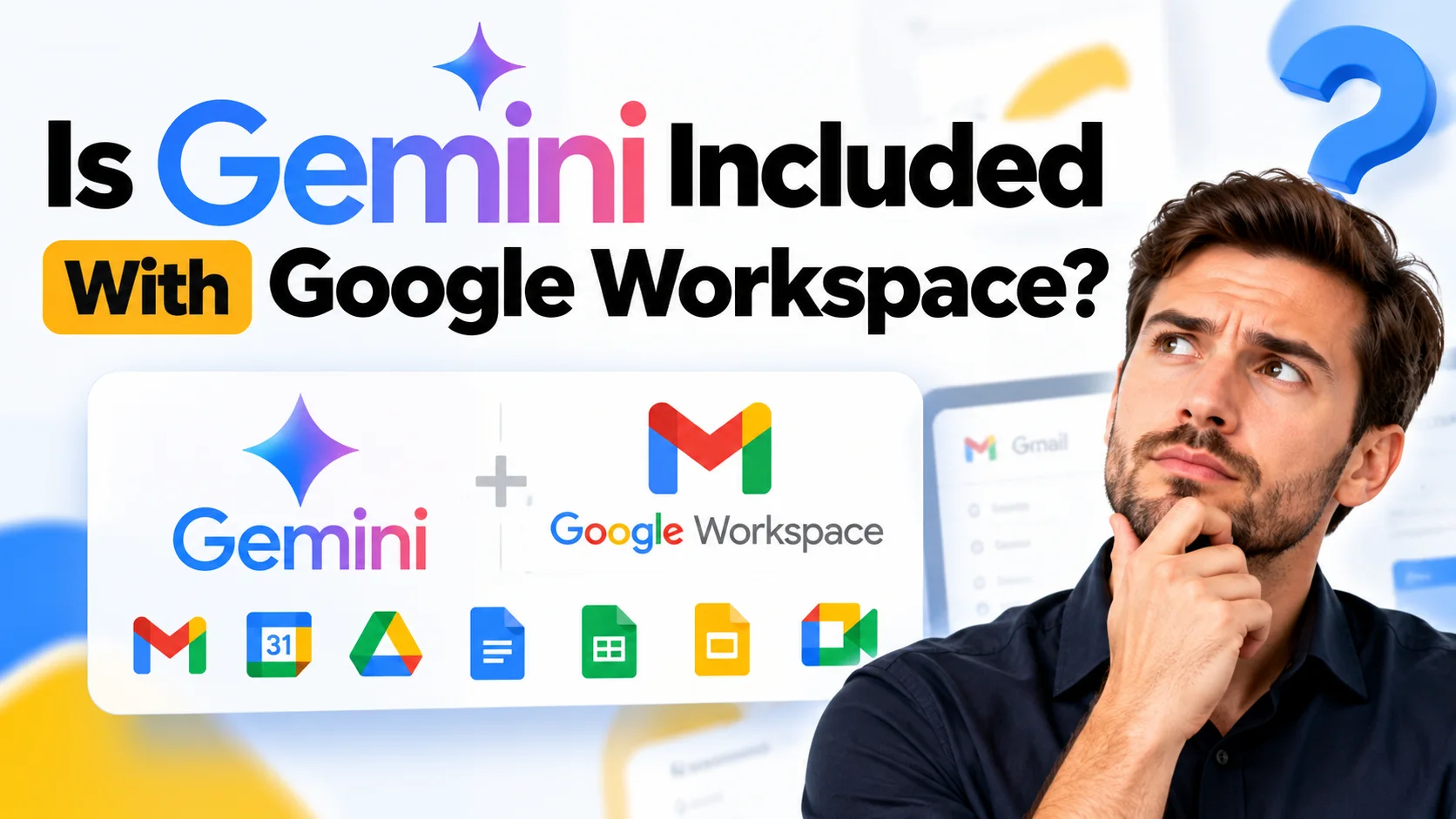
Yes, Gemini is included with Google Workspace. Every paid Business and Enterprise plan now comes with Gemini built into Gmail, Docs, Sheets, Slides, Drive, Chat, and Meet at no extra cost, plus access to the standalone Gemini app and Gemini Notebook. Exactly which advanced features you get, and how much usage you’re allowed, still depends on which plan edition you’re on.
If you’ve asked yourself is Gemini included with Google Workspace, the short answer is yes for every paid Business and Enterprise plan sold today. Google folded Gemini into the core subscription rather than selling it as a bolt-on, so Gmail, Docs, Sheets, Slides, Drive, Chat, and Meet all carry Gemini assistance by default. What still differs is how much of it you get: Business and Enterprise editions unlock different depths of Gemini Notebook, Vids, and Workspace Studio, and heavy users can add the paid AI Expanded Access add-on for more capacity.
What Comes With a Google Workspace Plan
Every Google Workspace plan bundles a set of core productivity tools under one subscription, built around your own business domain rather than a generic @gmail.com address.
A typical Business plan includes professional email through Gmail, Google Drive storage, Google Meet video calls, Google Chat, and the Docs, Sheets, and Slides suite. You also get a shared Admin console for managing users, security policies, and devices across your organization. This is the baseline answer to what comes with Google Workspace: communication tools, storage, collaboration apps, and admin controls, all tied to your company’s domain.
What’s changed recently is that Gemini now sits alongside those core tools as a standard inclusion rather than a separate AI product. So when people ask what’s included in Google Workspace in 2026, the accurate answer covers both the classic productivity stack and the AI layer built into it.
Is Gemini Included With Google Workspace?
Yes. According to Google’s own Workspace documentation, Gemini is available inside Gmail, Docs, Sheets, Slides, Drive, and Chat for Business and Enterprise plan subscribers, with no separate line item on your invoice.
In practice, this means features like “Help me write” in Gmail and Docs, automatic meeting notes in Meet, and a Gemini-powered side panel across your apps are switched on as part of the subscription you’re already paying for. You also get access to the standalone Gemini app for chat-style assistance, and Gemini Notebook for uploading source material and generating summaries, audio overviews, and mind maps from it.
This is a real shift from how Google originally rolled out workplace AI, when access was tied to separate paid add-ons layered on top of a Workspace subscription. Today, that line has mostly disappeared for standard plan editions.
Which Gemini Features Come With Each Workspace Edition
Gemini feature availability still depends on which Workspace edition you’re on, specifically whether you’re on a Business edition or an Enterprise edition.
Both edition families get Gemini in the side panel of Gmail, Docs, Sheets, Slides, Drive, and Chat, along with the Gemini app and core Gemini Notebook access. Where editions typically diverge is in usage limits, administrative controls over AI features, and access to newer capabilities as Google rolls them out, with Enterprise editions generally getting broader limits and earlier access.
Google also offers AI Expanded Access as an add-on for organizations that need more capacity than their base plan includes. This add-on raises usage ceilings on the Gemini app, Gemini Notebook, and advanced image and video generation, rather than unlocking features that weren’t available at all. If your team is running into daily limits on Gemini prompts or Notebook sources, this add-on is the direct fix, not a plan upgrade.
Is Gemini Pro Included With Google Workspace?
This question usually comes from confusion over naming. Google previously marketed separate “Gemini Business” and “Gemini Enterprise” add-ons, and consumers may also remember a “Gemini Pro” subscription sold directly to individuals outside of Workspace.
Inside current Workspace plans, there isn’t a separately branded “Gemini Pro” tier to buy. What you get is simply “Gemini” at the capability level tied to your Business or Enterprise edition, described on Google’s own documentation as Gemini in the side panel, the Gemini app, and Gemini Notebook. If a specific capability you’ve seen marketed elsewhere as “Pro” isn’t appearing in your account, it’s worth checking your exact plan edition before assuming you need an extra purchase.
Google Workspace Gemini Pricing: Is There an Extra Cost?
For most Business and Enterprise customers, no. Gemini access is built into the subscription price of your Workspace plan, not billed as an add-on, so the honest answer to does Google Workspace cost extra for Gemini is generally no for standard usage.
The exception is the AI Expanded Access add-on described above, which does carry its own additional cost for organizations that need higher usage ceilings. For everyday use inside Gmail, Docs, and Meet, the included Gemini access covers most teams without any extra purchase.
This naturally raises the related question people ask: do you have to pay for Google Workspace at all. Yes, Workspace is a paid, per-user subscription service; there’s no permanently free business-domain tier equivalent to a personal Gmail account. Google’s own direct pricing for its flexible, no-commitment plan starts at $8.40 per user per month for Business Starter. Buying through an authorized Google Workspace reseller is one way to get the same Gemini-inclusive plans at a lower published rate, often starting from around $3.00 per user per month on Starter, so it’s worth comparing Google’s direct business email cost against reseller pricing before you buy.
Gemini in Google Workspace for Nonprofits and Education
Nonprofit and education organizations sometimes run on different Workspace program terms than standard commercial Business and Enterprise editions, including donated or discounted licensing in many cases.
Google’s own documentation separates feature availability by Business and Enterprise editions on one side and Education on the other, rather than listing a distinct nonprofit tier. If your organization is on a nonprofit or education Workspace program, the safest approach is to confirm your specific Gemini feature access directly with Google or your Workspace provider, since program terms can differ from the standard commercial rollout described in this guide. Treat any general claim about nonprofit Gemini access, including claims made in older blog posts, with some caution until you’ve confirmed it against your actual plan.
Using Gemini on Android, iOS, and the Web
Gemini in Google Workspace isn’t limited to desktop browsers. The standalone Gemini app is available on Android and iOS, as well as on the web, so the question is Gemini included with Google Workspace on Android has the same answer as the desktop version: yes, if you’re on a Business or Enterprise plan.
To get started on mobile, you typically sign in to the Gemini app with your Workspace account, which carries over the same access level tied to your organization’s plan. If you’re searching for a Gemini Workspace download, that generally means installing the Gemini app from the Google Play Store or Apple App Store and signing in with your work account, rather than downloading a separate Workspace-specific client.
Google Workspace Gemini API vs the Built-In Gemini Assistant
This is one of the more common points of confusion, and it’s worth being precise about. The Gemini you get inside Gmail, Docs, and Meet as part of your Workspace plan is a built-in assistant feature, not an API you can call from your own code.
If what you’re actually looking for is Google Workspace Gemini API access, meaning the ability to send prompts to Gemini models programmatically from your own application, that’s a separate Google Cloud product, typically accessed through Vertex AI or the standalone Gemini API, with its own usage-based billing independent of your Workspace subscription. Developers building AI features into their own tools should look at Google Cloud’s AI offerings directly rather than expecting their Workspace plan to include API access.
What Else Is Included Besides Gemini: Google Voice and Other Add-Ons
Not everything people assume is bundled with Google Workspace actually is. A common example is Google Voice.
Does Google Workspace include Google Voice? No, not automatically. Google Voice for Workspace is a separate, paid add-on available to eligible Workspace customers in supported countries, covering business phone numbers and calling features. It’s billed on top of your core plan rather than included in the base Business or Enterprise price, similar in structure to the AI Expanded Access add-on described earlier. If a provider or guide tells you Google Voice comes free with every Workspace plan, that claim doesn’t hold up against Google’s own program structure.
How to Get Started With Google Workspace and Gemini
Getting access to Gemini inside Workspace follows the same basic path as setting up Workspace itself, since Gemini comes along with the subscription rather than requiring its own signup.
- Choose a plan edition. Decide between Business and Enterprise tiers based on your team size, security needs, and expected AI usage, since that choice determines your default Gemini feature set.
- Sign up and verify your domain. Whether you sign up directly with Google or through an authorized reseller, you’ll need to verify ownership of your business domain before accounts go live.
- Create user accounts. Set up mailboxes for your team through the Admin console, deciding whether you want a separate console per domain or one centralized console if you’re managing more than one domain.
- Confirm Gemini is active. Open Gmail, Docs, or Meet and look for the Gemini side panel or the “Help me write” prompt to confirm it’s switched on for your account.
- Add AI Expanded Access only if needed. If your team consistently hits Gemini usage limits, add this on top of your existing plan rather than switching editions unnecessarily.
This covers the practical side of how do I use Google Workspace and how to enable Google Workspace for a new organization: the setup itself is mostly account and domain configuration, and Gemini activates automatically once your plan and accounts are in place.
Is Google Workspace Available in Pakistan and Other Countries?
Yes. Google Workspace is sold globally, including in Pakistan, and Gemini’s inclusion in Business and Enterprise plans applies the same way regardless of country, as long as the specific Gemini features are supported in your language and region. Buyers who want a local or more familiar point of contact can also compare other Google Workspace resellers serving their country before deciding where to buy.
Common Mistakes When Evaluating Gemini in Google Workspace
Assuming “Gemini included” means every feature is unlocked on every plan. Inclusion means no separate purchase for core Gemini access, not that Business and Enterprise editions get identical capability depth.
Confusing the Gemini app with Gemini API access. These are genuinely different products with different billing models, and mixing them up leads to wrong expectations about what a Workspace subscription covers.
Assuming add-ons like Google Voice or AI Expanded Access are free because Gemini itself is included. Workspace bundles a lot into the base price, but not everything; some capabilities are still separately billed add-ons.
Relying on outdated information about Gemini being a paid add-on. Older articles describing Gemini as a separate purchase on top of Workspace reflect an earlier pricing structure that Google has since changed for most plan editions.
Conclusion
Gemini is included with Google Workspace on every current paid Business and Enterprise plan, built into Gmail, Docs, Sheets, Slides, Drive, Chat, and Meet, with the standalone Gemini app and Gemini Notebook available on top. What varies is feature depth by edition and usage limits, which the AI Expanded Access add-on can raise if your team needs more. If you’re also comparing where to buy that plan from, Google Workspace Resellers is a directory and information resource for comparing authorized resellers that sell the same Gemini-inclusive plans Google sells directly, often at a lower published rate.
FAQs
Is Gemini included with Google Workspace for free?
Gemini is included in the price of Business and Enterprise Workspace plans, so there’s no separate charge for standard access. The only added cost is the optional AI Expanded Access add-on for higher usage limits.
Is Gemini Pro included with Google Workspace?
There’s no separately branded “Gemini Pro” tier inside current Workspace plans. You get Gemini at the level tied to your Business or Enterprise edition, which covers the side panel, the Gemini app, and Gemini Notebook.
What version of Gemini is included with Google Workspace?
Google doesn’t publish a single version number for Workspace customers; instead, feature access is tied to your plan edition, with Business and Enterprise tiers unlocking different depths of capability over time as Google updates the product.
Do you have to pay for Google Workspace?
Yes. Google Workspace is a paid, per-user subscription for business email and productivity tools. Google’s direct flexible pricing starts at $8.40/user/month for Business Starter; authorized resellers typically offer the same Gemini-inclusive plans from around $3.00/user/month.
Does Google Workspace include Google Voice?
No. Google Voice for Workspace is a separate paid add-on in eligible countries, not a feature bundled into the base Business or Enterprise price.
How do I sign up for Google Workspace?
You can sign up directly through Google or through an authorized reseller, which typically involves choosing a plan, verifying your domain, and creating user accounts through the Admin console. Buying through a reseller can also get you setup support that Google’s own self-serve signup doesn’t include.
Is Google Workspace available in Pakistan?
Yes. Google Workspace is sold in Pakistan along with most other countries, and Gemini’s inclusion in paid plans applies the same way there as elsewhere, subject to regional language and feature support.
Is the Google Workspace Gemini API the same as the Gemini features in Gmail and Docs?
No. The Gemini you use inside Gmail, Docs, and Meet is a built-in assistant feature included with your plan. The Gemini API is a separate Google Cloud product for developers, billed independently through Vertex AI or the standalone Gemini API.